26
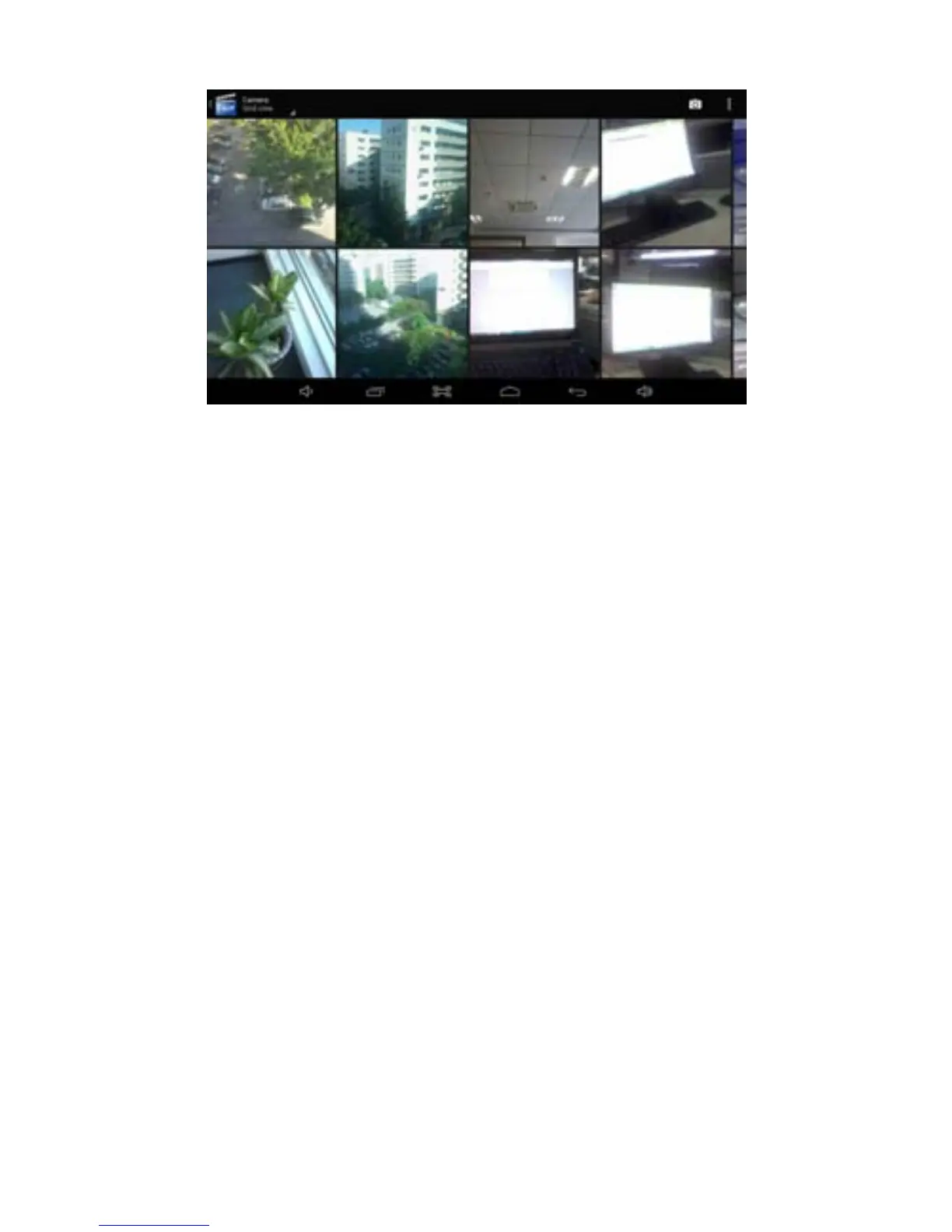
Edit and set images
Press the menu button to display images in full screen mode, you can select
the intended image to edit and set the image according to your needs.
Slide presentation
Open the pictures and click slideshow. All the images can be shown in the
slide folder for broadcasting.
Sharing
1. Press the menu button and click "share".
2. The picture will be shared with your friends via Twitter, Facebook,
Messaging, Gmail or Email.
Rotating
1. Press the menu button and click "More".
2. Click Rotate Left or Rotate Right.
Crop
1. Press the menu button, click “More” and select "Crop"
2. Click the image and drag a related region of the image you want,
3. Adjust the size you want, click "Save".
4. If you want to quit cropping the image without saving it, click "Discard" and
return to the Gallery.
Edit images
1. Press the edit icon on the lower left."..



 To Next Page