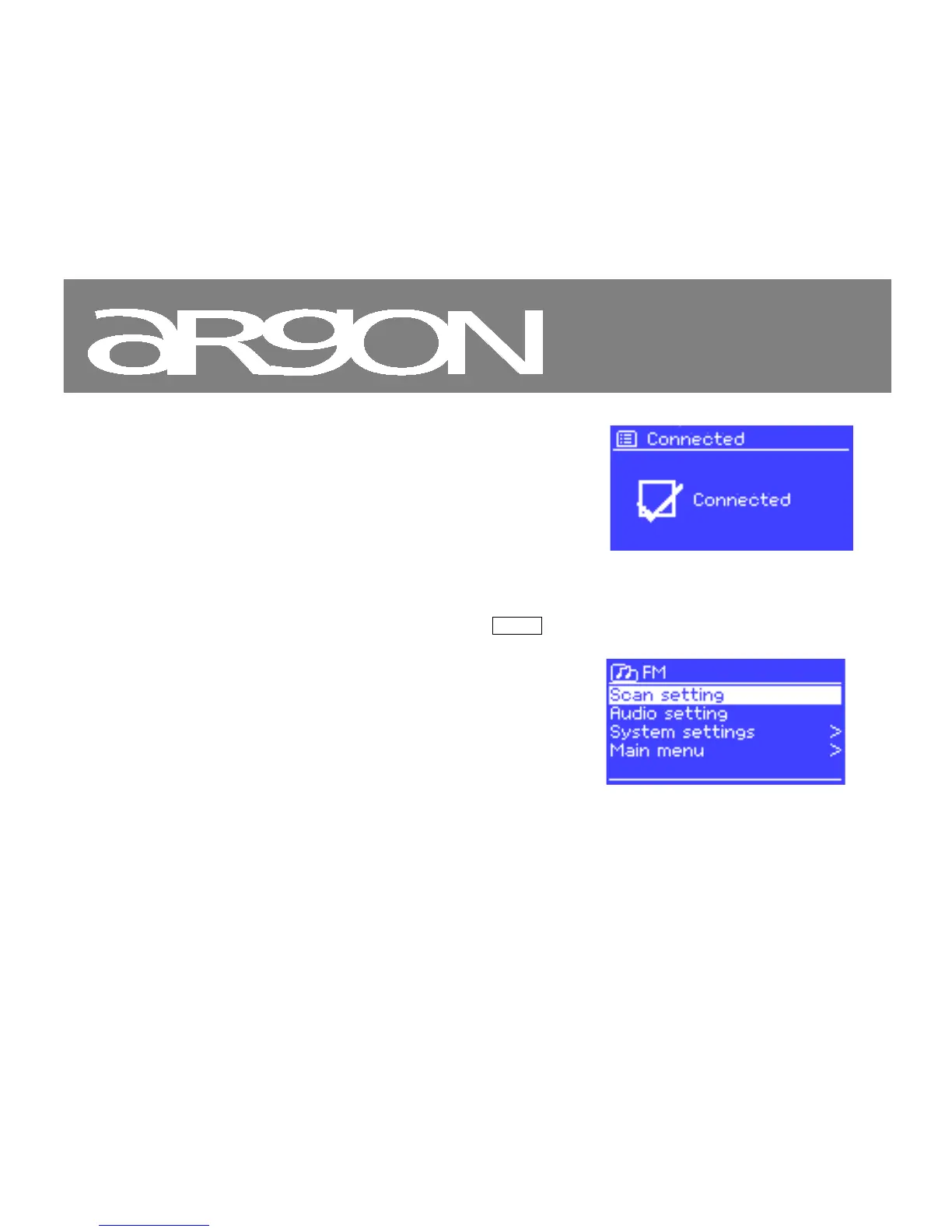
Error/Information screens give specific messages for a few
seconds, then change automatically to another screen.
Menus
iNet6+ has basically three types of menu. Use the Select control to step through and select options. A scroll bar
on the right of the screen shows if there are further options above or below those visible.
Each mode has a Mode menu, with options
specific to that mode. For example, the FM mode
menu has just two options: Scan setting and
Audio setting.
In addition, each mode menu has two final
options: System settings > and Main menu >.



 To Next Page