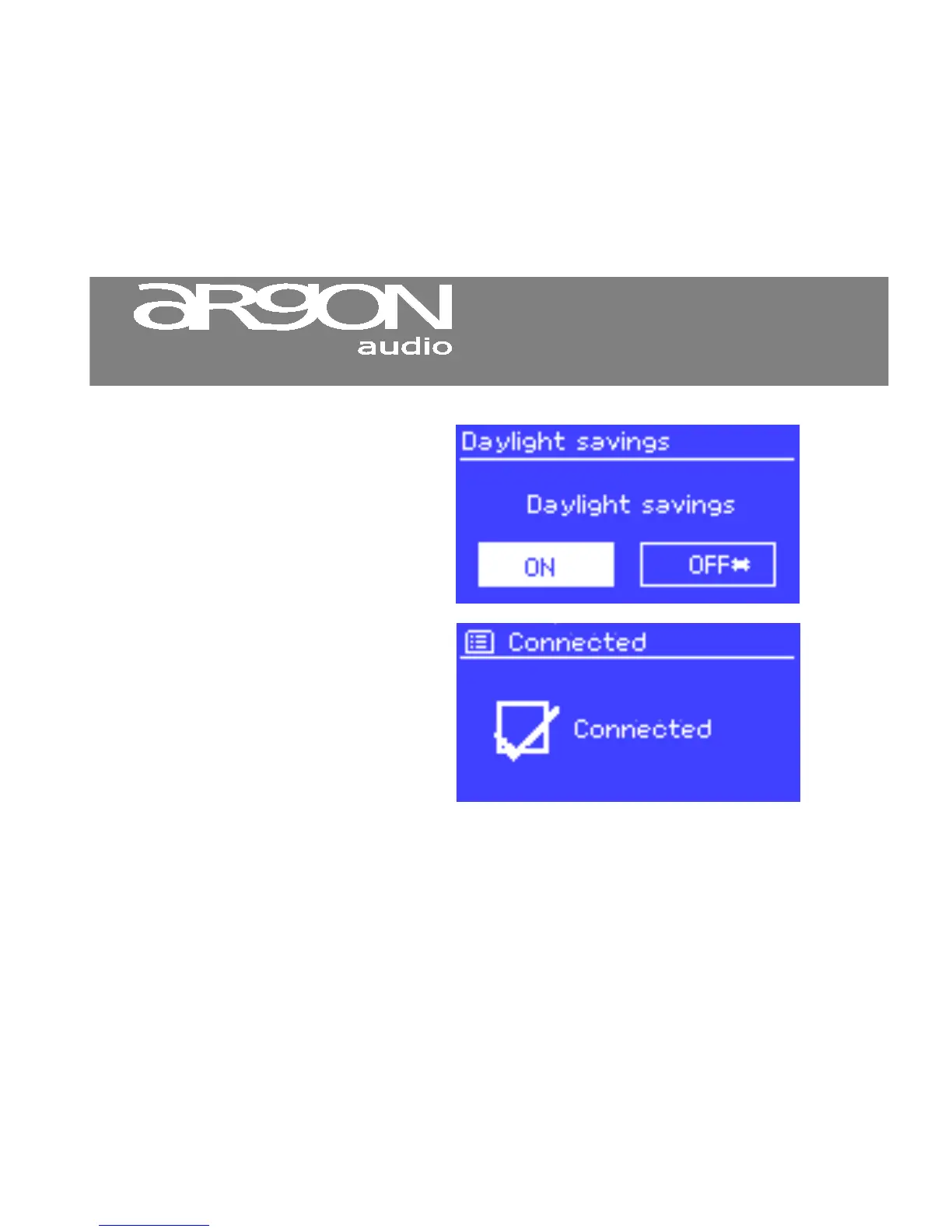
Dialogue screens are shown to
allow the user to change settings.
They vary in complexity from simple
Yes/No options up to the scrollable
network password input screen.
As with menus, the selected item is
shown with a white background.
Dialogue screens mark the current
Error/Information screens give
specific messages for a few
seconds, then change automatically
to another screen.


 To Next Page