8
1 0 . The system will show a message on Taskbar ask ing to
click on the Bluetooth sign on taskbar.
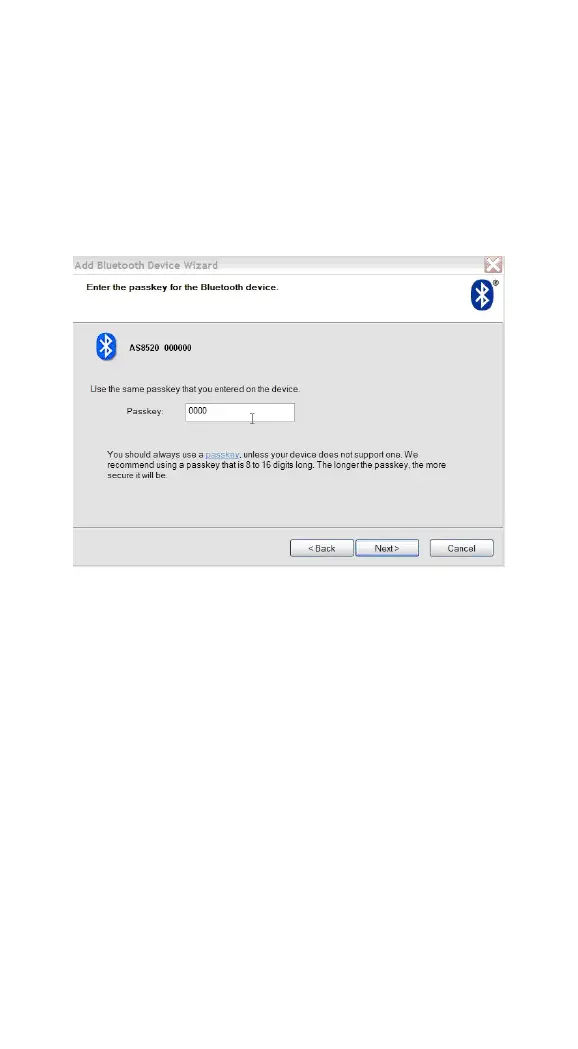
After clicking on it, the wizard will prompt as below;
enter 0000 (AS-8520
’
s default PIN code) within the
Passkey field; click “ Next ” .
Now the installation and setups have been completed , you
may start to scan barcodes to transmit data to H yperTerminal
on PC.


 To Next Page
 Loading...
