2.1. PC/SC DRIVER
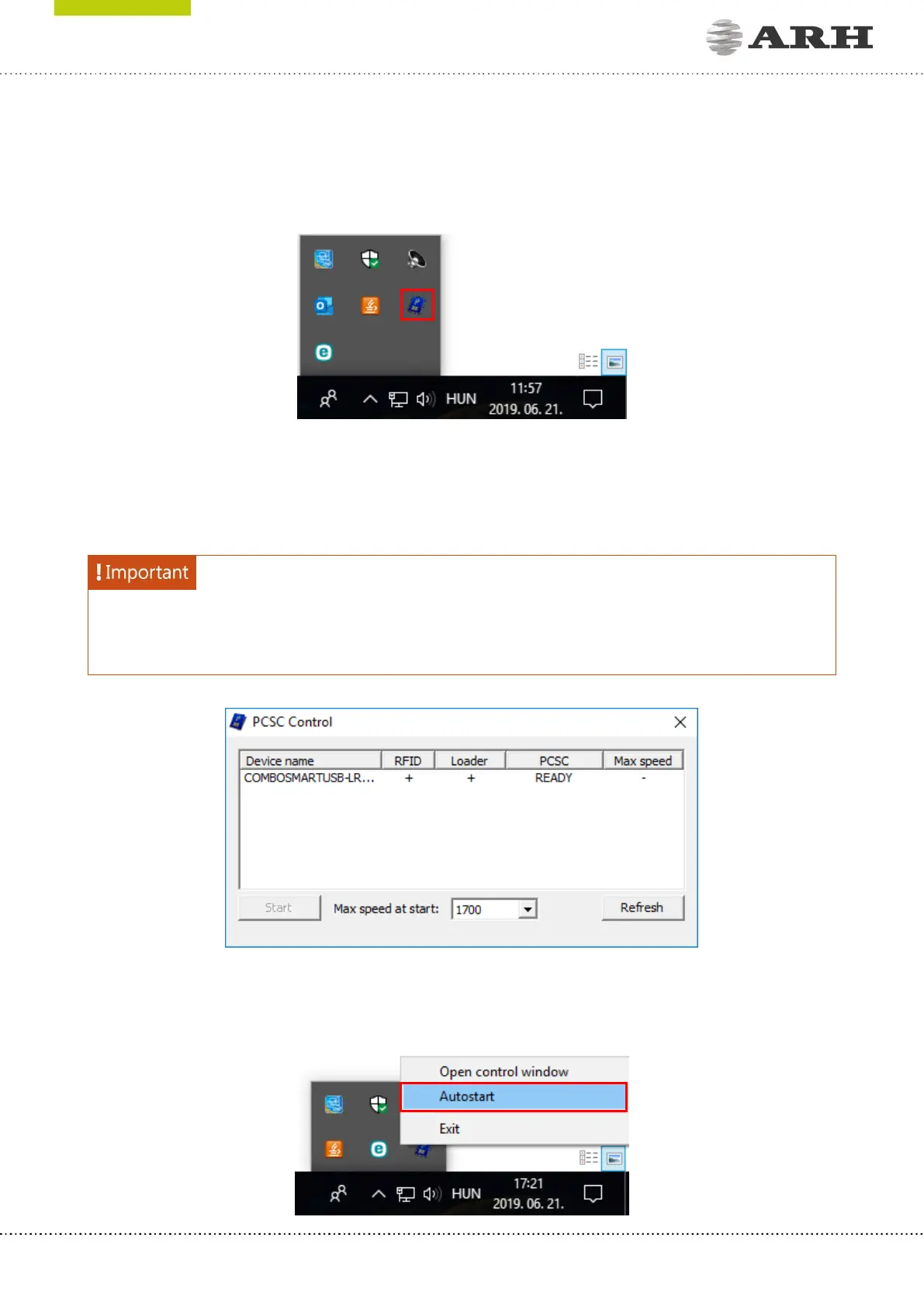
The PC/SC driver is part of the Passport Reader installer package. The icon of the PC/SC driver
can be found in the toolbar.
By double clicking on it, the PC/SC Control window appears. The default status is either READY
or STARTED (if PC/SC Autostart is enabled). PC/SC interface of a document scanner device can
be enabled by clicking on the device name and then on [START].
The PS/SC driver can be started automatically via the Autostart menu: right click on the PC/SC
icon and click on Autostart.



 To Next Page