-12-
10. OSD and Menu
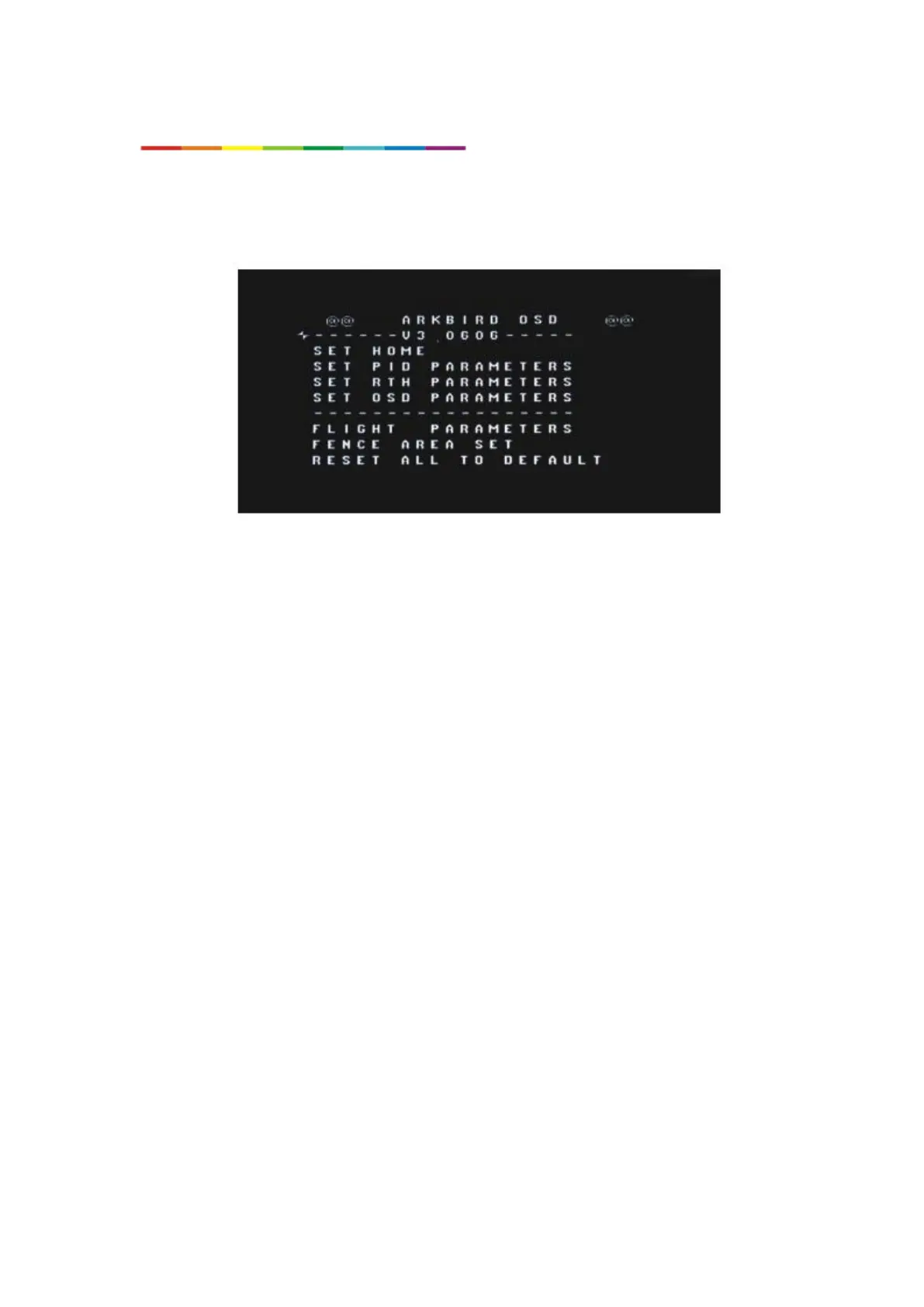
CH5 switches to Manual Mode(<50%), throttle to 0%, and push CH1 to left or right side for
6 seconds, it will enter into main menu. Exit the main menu if CH5 switches to auto mode(>50%).
Moving stick up and down to change the value, pushing to right side to select, and pushing to
left side to exit and save parameters.
Main Menu



 To Next Page