CONTROLS
FAMILIARISE YOURSELF WITH THESE CONTROLS
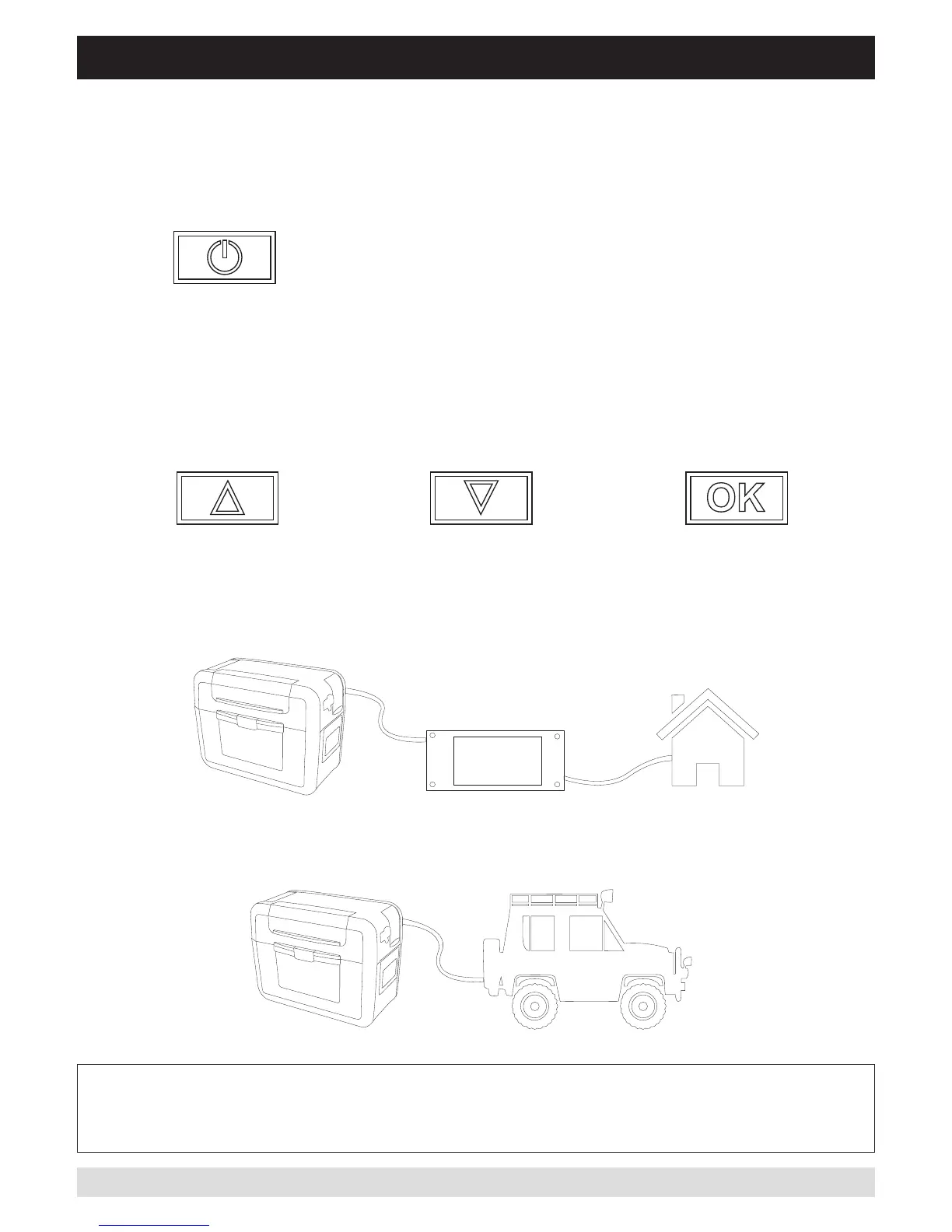
The ArkPak has four buttons on the main control panel.
POWER BUTTON
PRESS to turn charger ON
PRESS and HOLD for 4 secs to turn charger OFF
MENU BUTTONS
CHARGING DC - 12V
CAUTION – In some vehicles the 12V accessory socket may still provide power even if the ignition
is turned off. In this case continued and un-monitored use of the ArkPak in DC mode may result
in a flat vehicle starter battery
CHARGING AC - 240V


 To Next Page