9Get Started
Arlo Essential Indoor Camera
User Manual
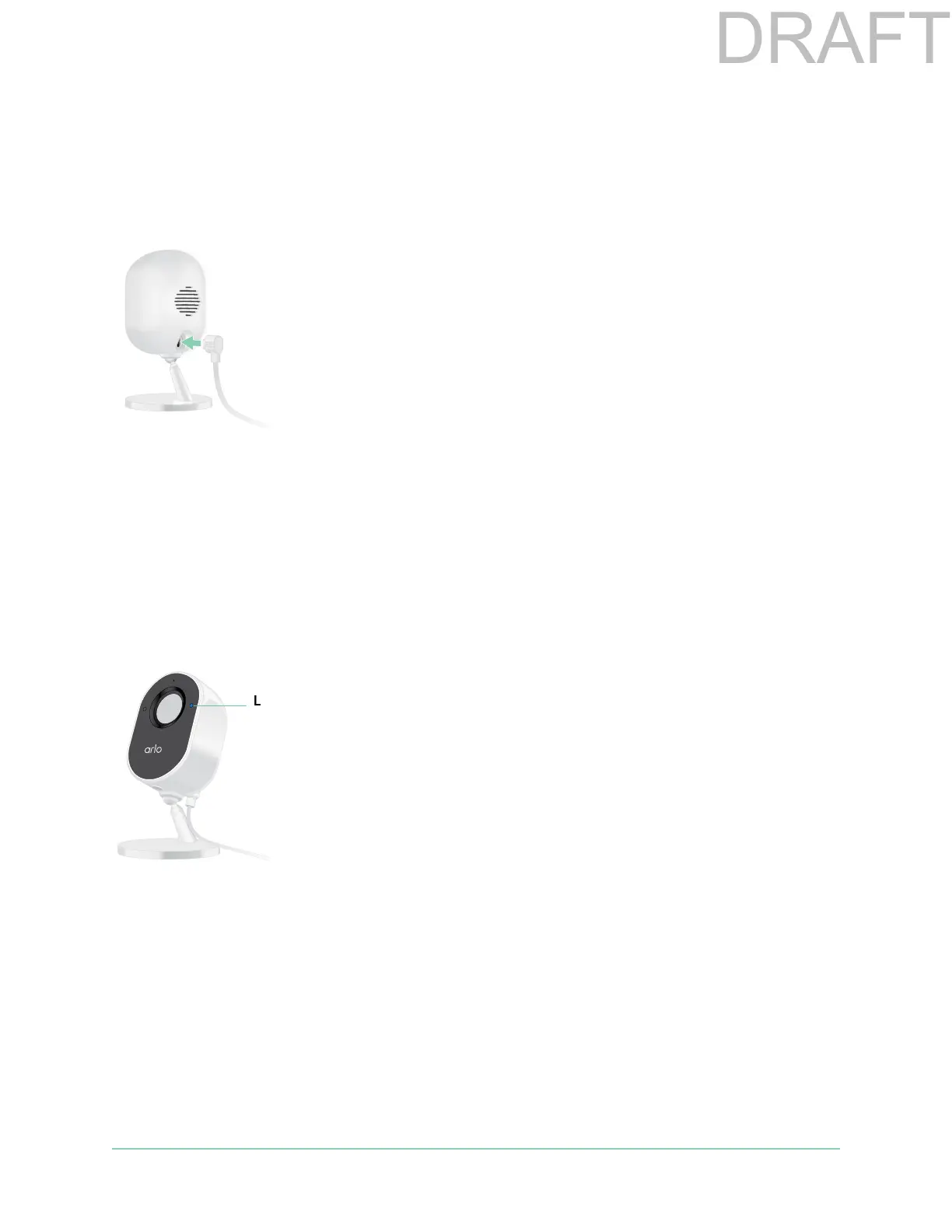
Plug in your camera indoors
Your Essential Indoor Camera is a wired product powered by a USB cable and a 5V 2A power
adapter. A micro USB cable and power adapter came in the box with your camera. The cable
and power adapter are for indoor use only.
1. Connect the micro USB charging cable to your camera.
2. Connect the other end of the charging cable to the power adapter and plug it into a power
outlet.
Check the LED
Your Essential Indoor Camera LED lights to indicate the status of the camera. The LED lights
blue briey when the camera is rst powered on.
LED behaviors during setup
• Slow blinking blue. The camera is in the process of pairing to a WiFi network.
• Fast blinking blue. The camera successfully paired with a WiFi network.
• Slow blinking amber. A setup error occurred. For help, see Chapter 7. Troubleshooting on
page 50.
LED behaviors aer setup
• Fast blinking blue. The camera was factory reset. For more information, see Reset the
camera to its factory settings on page 54.
LED



 To Next Page