27Arlo Ultra Basics
Arlo Ultra Camera
User Manual
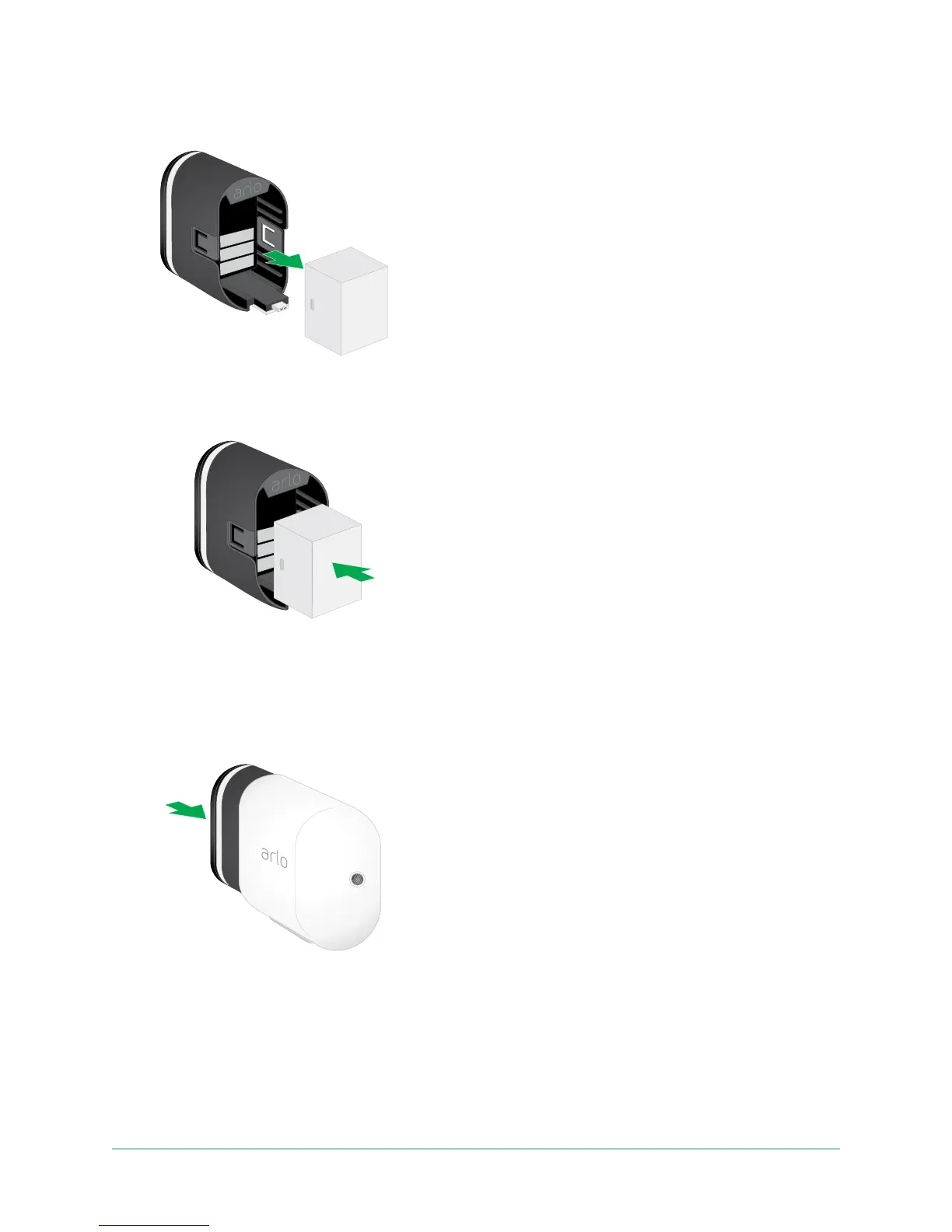
3. Remove the battery by pulling on it until it slides out of the camera.
4. Align the battery and insert it into the battery compartment.
The battery only inserts one way.
The LED on the Arlo Ultra camera blinks blue.
5. Insert the camera into the camera housing until it clicks into place.
To do this, place your thumbs on either side of the lens and push on both sides of
the camera.



 To Next Page