11
DIGITAL LED – BJ-3470
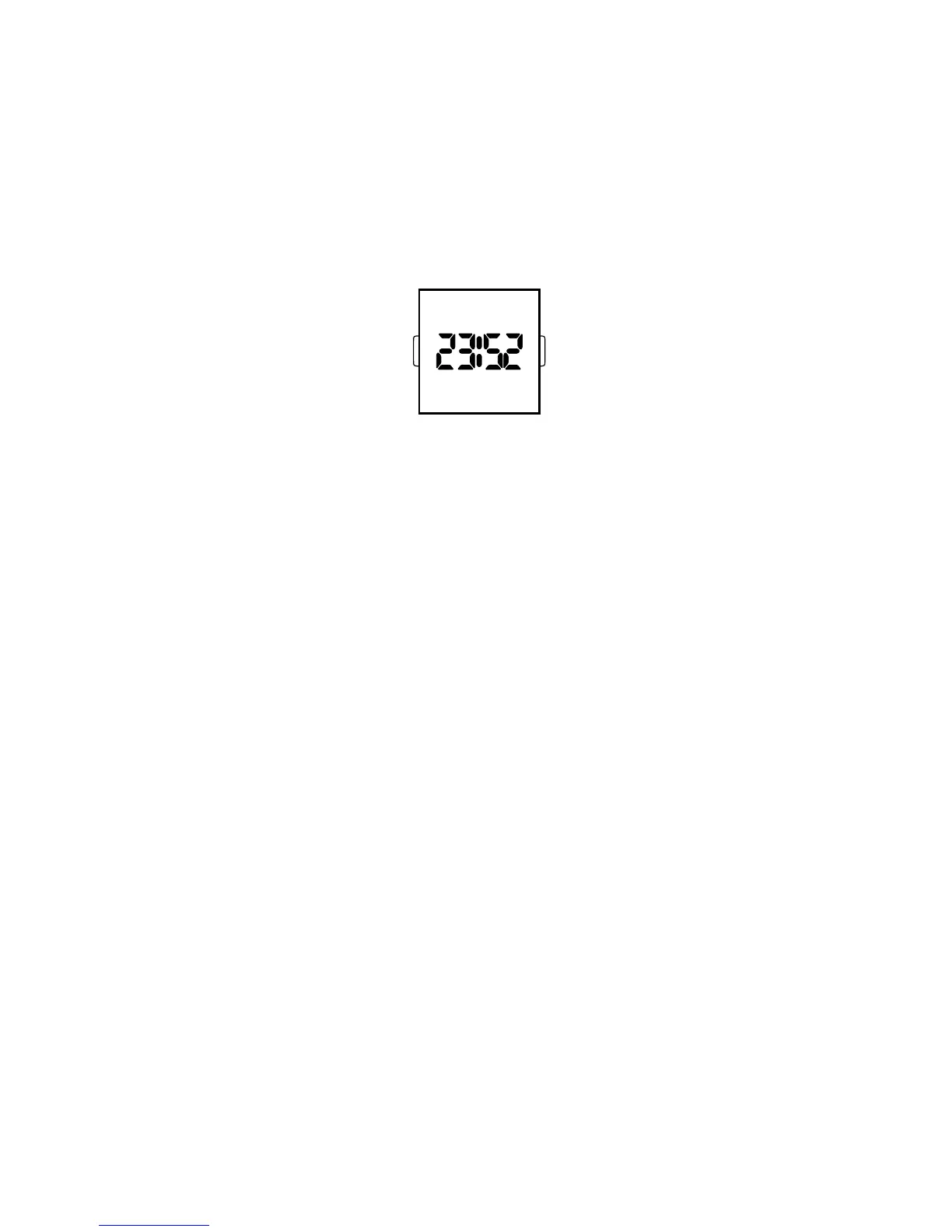
Normal Time Display
1. Press B to display time; press B again to change display mode. Mode sequence is time,
date and seconds.
2. LED automatically turns off after 5 seconds.
Time / Calendar Setting
1. In time display mode, press and hold A for 2 seconds to enter setting mode. 12/24-
hour format will begin flashing.
2. Press B to choose 12 or 24-hour format. For 12-hour setting, “P” will be displayed for
afternoon/evening hours. For 24-hour setting, no symbol will be displayed.
3. Press A to advance to hour.
4. Press B to increase digits; press and hold B for fast advance.
5. Press A to advance to next setting value.
6. Setting sequence is: 12/24-hour format, hour, minutes, seconds, year, month, date, and
exit setting mode.
NOTE: In setting mode, if no pusher is operated for 5 seconds, all changes will be
saved and the watch will automatically turn off.
BA



 To Next Page