C
hapter
V
T
he
V
oice
M
odule
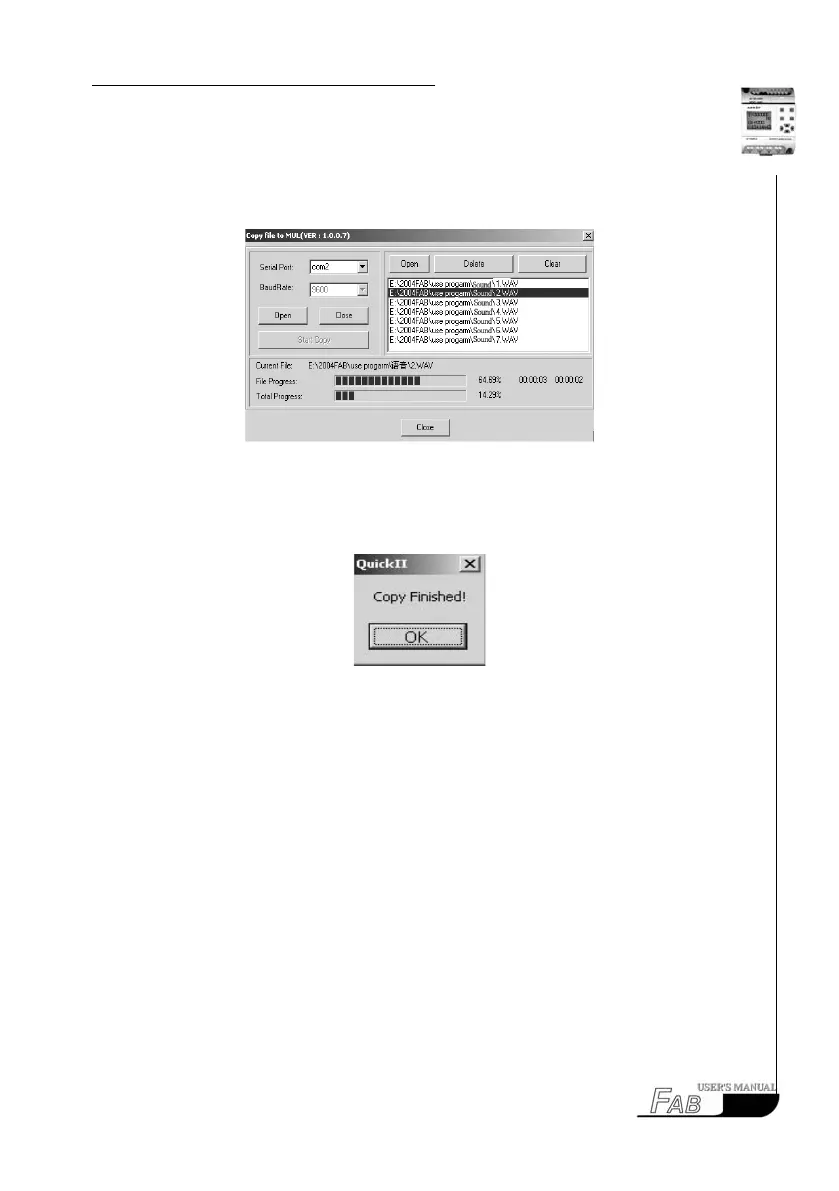
The ninth step: rst click “open” button and then “start copy” button. The copy
course is shown in Fig. 5.4-8.
Fig. 5.4-8
The tenth step: the prompt frame for conrming is shown in Fig. 5.4-9, and click
OK button.
Fig. 5.4-9
B) Manual Recording
The rst step: Connect the Voice Module to FAB
Connect PC to the Voice Module via the cable AF-CMP
Connect K1 between L and I1
Connect K2 between L and I2
Connect K3 between L and I3
Connect K4 between L and I4
This step is shown in Fig. 5.4-10.
73



 To Next Page