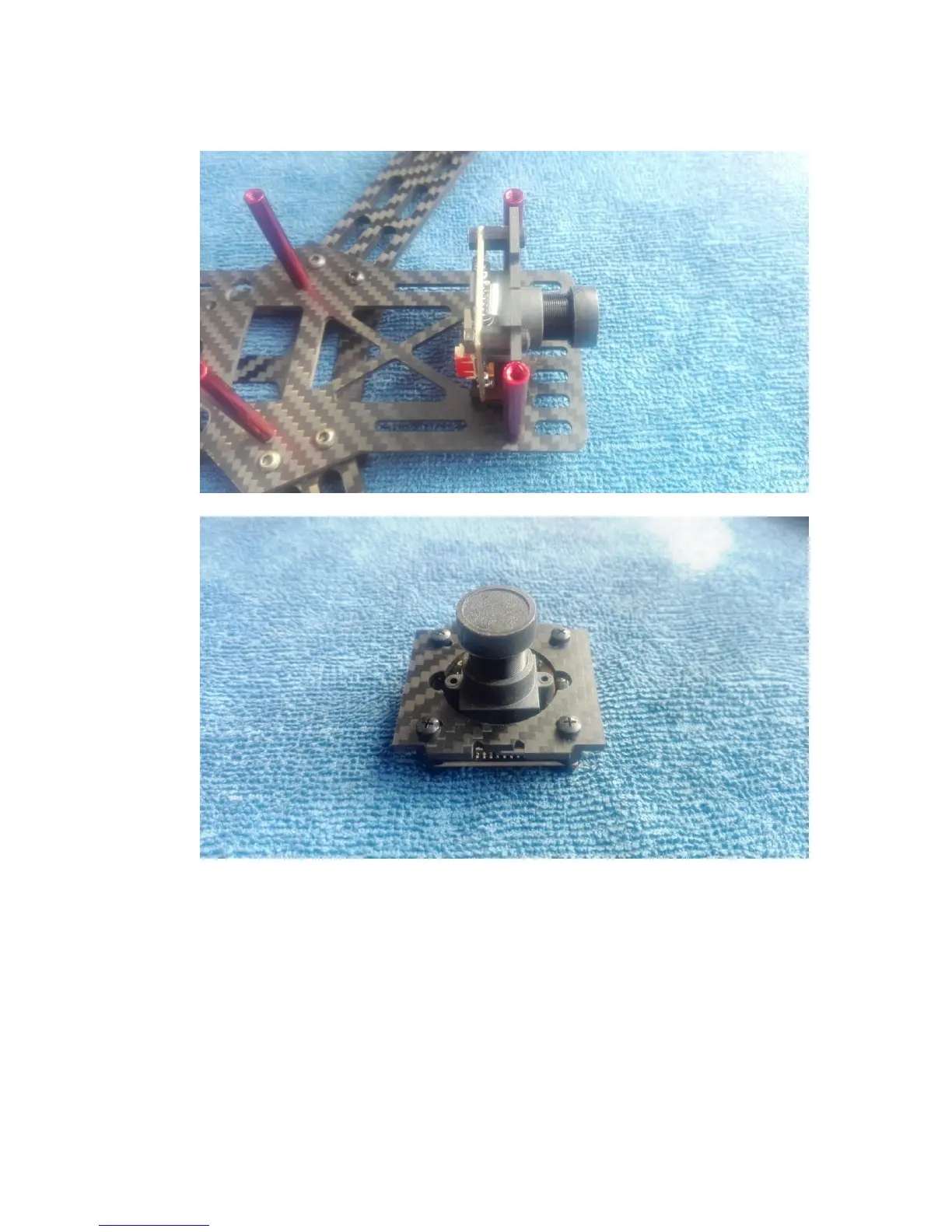
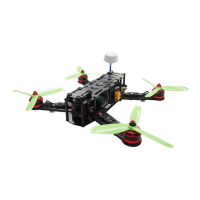
The pictures below are the details of the camera mounting.
2.2 Install the motors. Here we take the ARRIS 1806 2300KV brushless motor as
example. For CW motor, the cap is black, for the CCW motor, the cap is silver,
please pay attention to it when you do it.
And the screws used to install the motor are M2 x 4.



 To Next Page