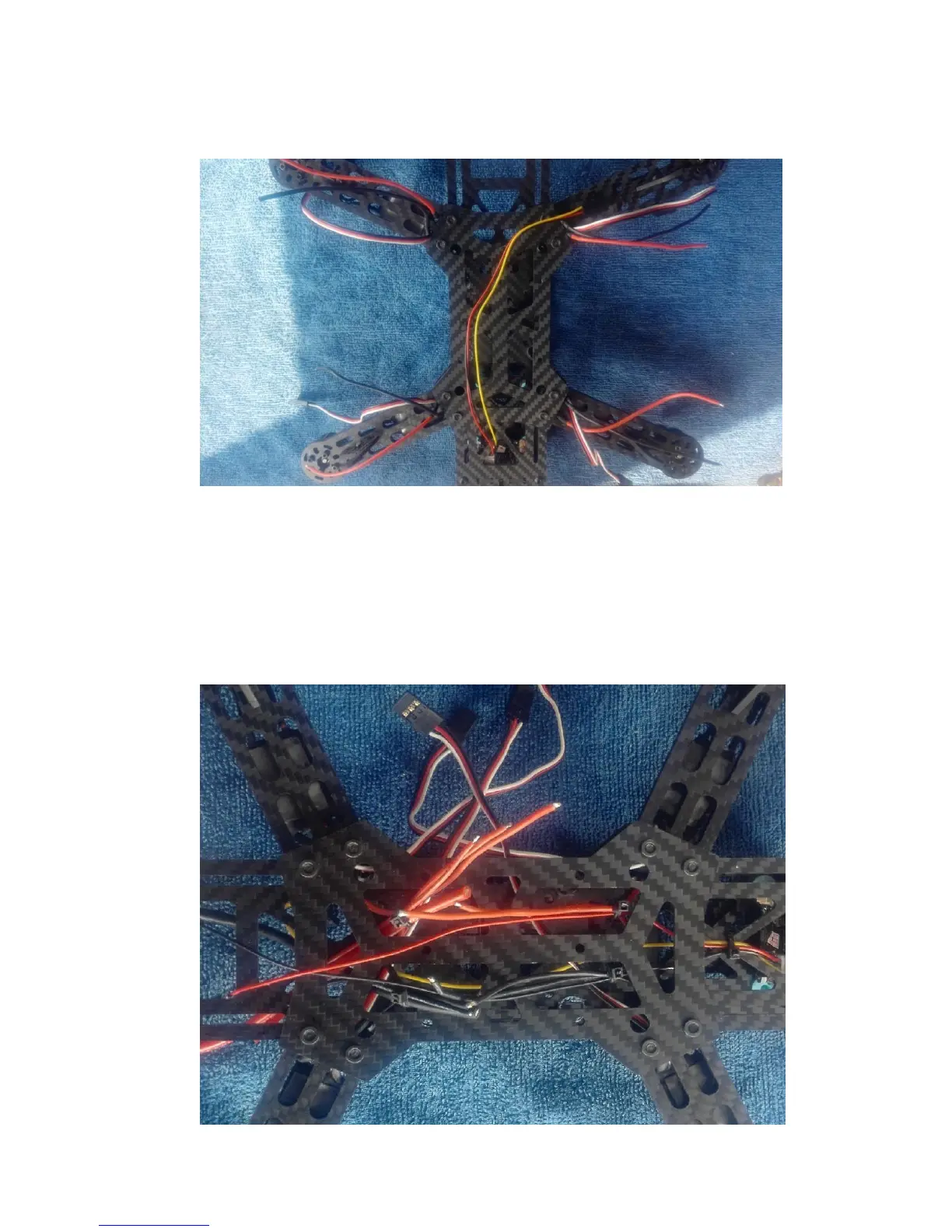
2.5 Connect the camera wire, then starts to do the soldering.
Put all the ESC wire through the arm and into the lower plate. All the red wires
put in one side, and all the black wires put in the other side and tight them by the
cable tie.
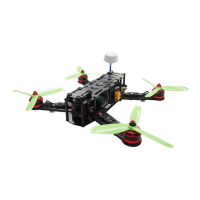
Here we need to add two pairs of wires, one is the JST plug, it used to power the
video TX; the other is main power wires, it used to power the quad. Please look at
the following picture:



 To Next Page