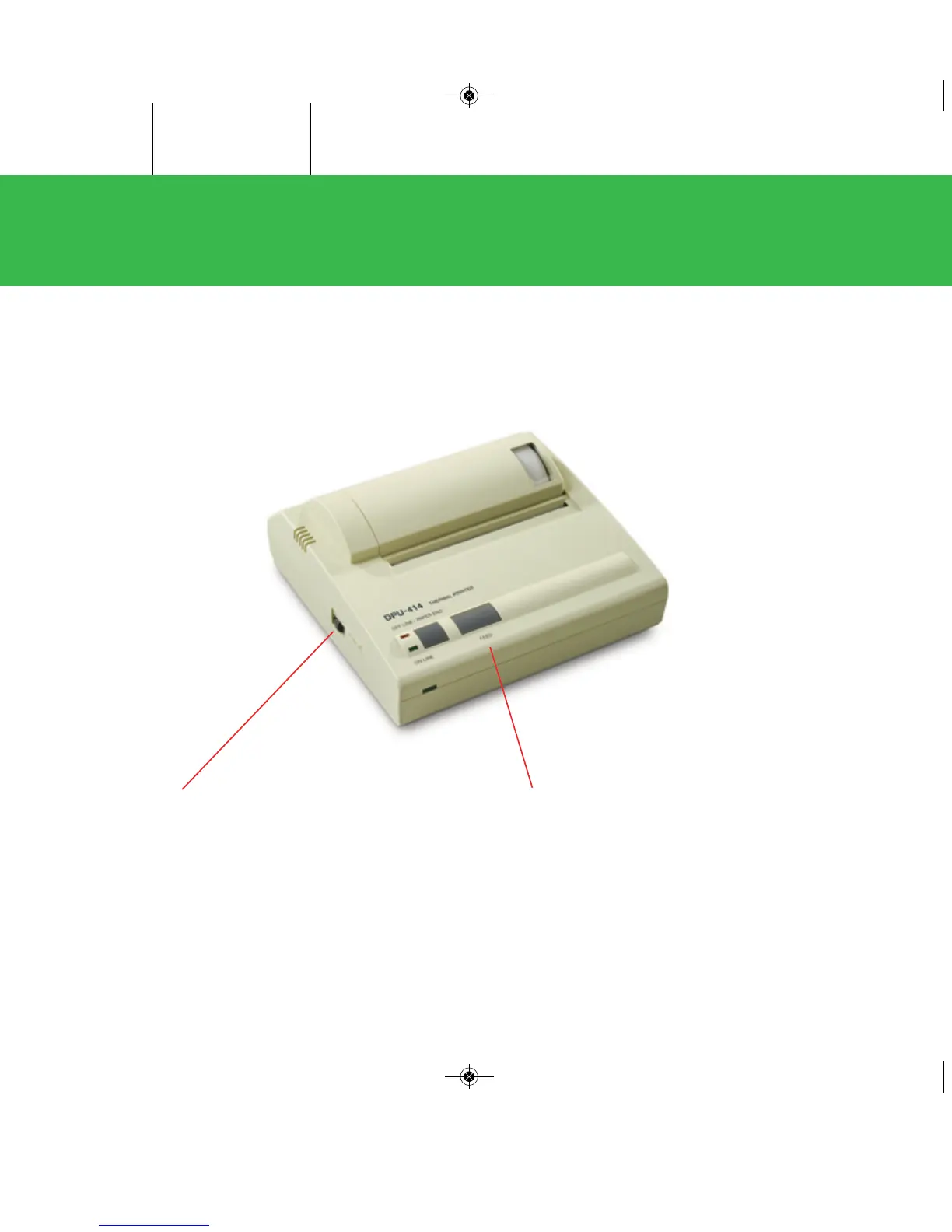
Seiko
Printer
Controls and Indicators:
Paper Feed Switch: Pressing this switch feeds the
paper continuously. Paper feed will only work when
the OFF LINE indicator illuminates or flashes.
Power Switch: When the switch is in the ON position,
power is supplied to the printer and the POWER and
ON LINE indicators illuminate. When the printer is out
of paper, the OFF LINE indicator flashes.
PCS Quickstart-15A3179_PCS Quickstart 15A3179 Rev 4/3/13 2:01 PM Page 4


 To Next Page