Always refer to the PCS Procedure Guide for further instruction
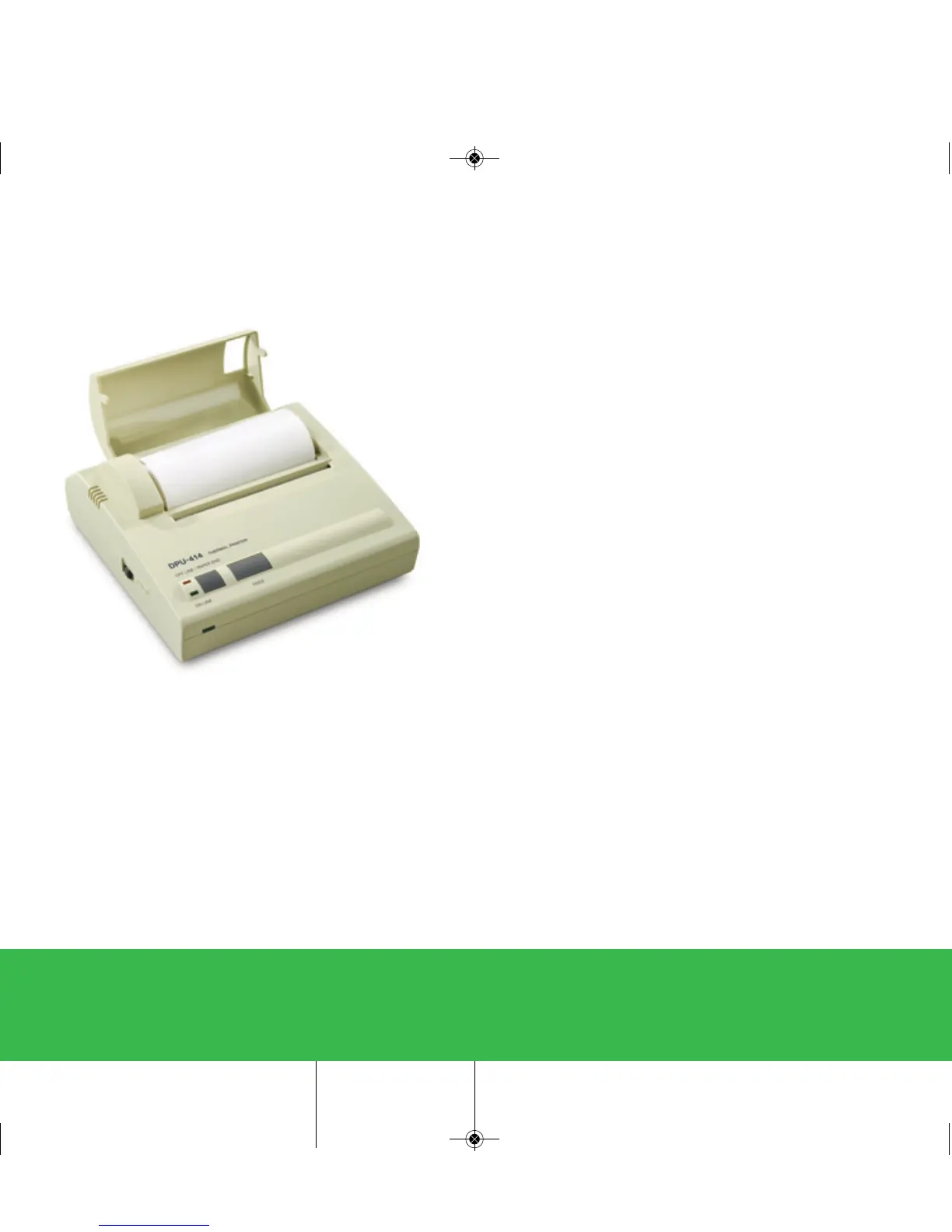
Seiko
Printer
Loading the Printer Paper:
• Turn the power switch to the ON position.
• Open the paper cover located on the top, right side of the
printer.
• Cut the end of the paper roll cleanly and squarely.
• Insert the end of the paper into the inlet at the bottom of the
paper holder until the auto-loader catches it and feeds the
paper through.
• The outside of the roll is the printable surface for the
thermal paper roll.
• Close the paper cover.
PCS Quickstart-15A3179_PCS Quickstart 15A3179 Rev 4/3/13 2:01 PM Page 5


 To Next Page