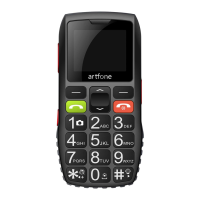
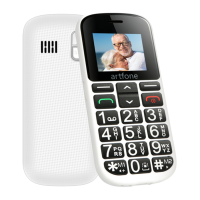
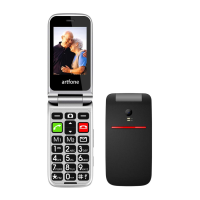
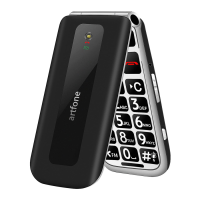
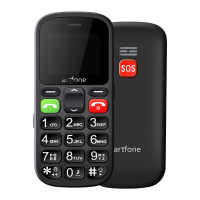
How to operate the phone
Press and hold the Power button for 2-3 seconds and the phone will power
on. To power off the phone, press and hold the Power button for 2-3 seconds while
the phone is on.
For the SOS function, go to settings and set the SOS status On or Off. It is
very important to set no more than 5 telephone numbers. When the user presses the
SOS button, the phone will dial the numbers settled one by one automatically.
To turn off or change the ringtone, message tone, volume: go to Settings ->
Profiles -> General -> Customize.
Icon Description
- The actual signal
- Unread message
- General mode
- Headphones plugged-in
- The alarm is set up
- Bluetooth enabled
- Battery status



 To Previous Page