Need help?
Do you have a question about the Artfone CS188 and is the answer not in the manual?
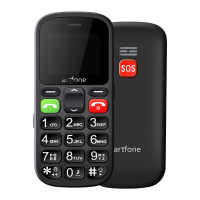
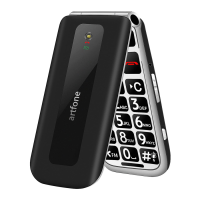
Explains the function of essential buttons like soft keys, call, and power buttons.
To enter main menu when standby mode.
In standby mode, assigned with 'Contacts' function.
Answer/make a call.
End a call/Power on/off.
Instructions for turning the phone on/off and using the flashlight feature.
Guide to using the SOS emergency feature and making phone calls.
Covers volume adjustment, security settings, and common user questions.
 General
| Brand | Artfone |
|---|---|
| Model | CS188 |
| Category | Cell Phone |
| Language | English |


 To Next Page