1
Introduction Overview
Thank you for buying this specially
designed mobile phone for older peoples.
Please take a moment and read this manual
while using the device.
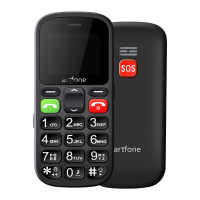
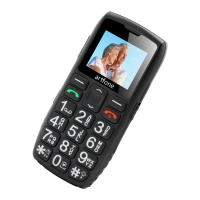
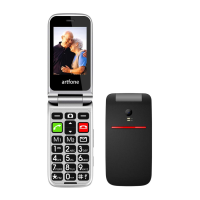
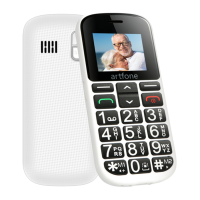
1.Speaker
2.LCD
3.Left soft key
-To enter main menu when standby mode
-The phone menu confirms the selection and
-activates the selected function (OK)
4.Right soft key:
-In standby mode, assigned with "Contacts"
function
-Exit menu or exit current operation
-Other assignments depending on the context


 To Next Page