EasyManua.ls Logo

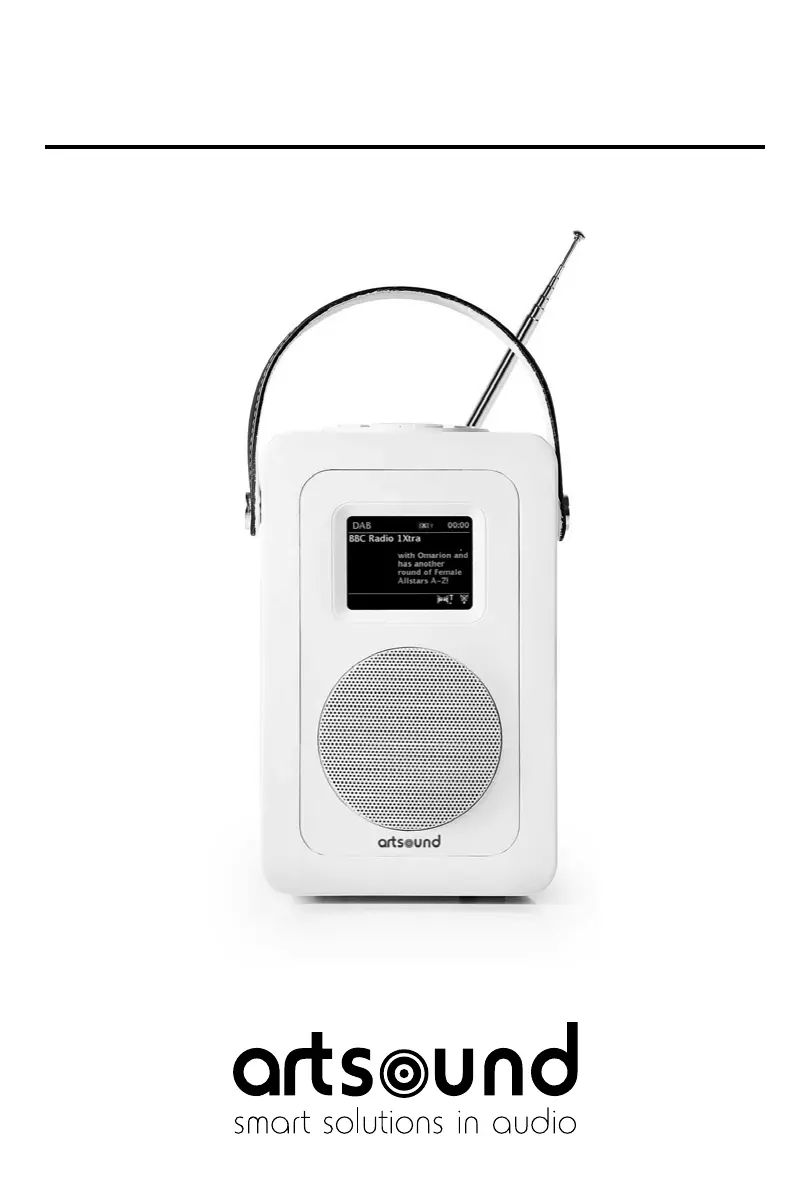
Artsound R4 - User Manual

Artsound R4
56 pages
Go to English
Print Icon
To Next Page IconTo Next Page
Loading...
R4

Table of Contents

Questions and Answers

  • A
    Amy TaylorAug 2, 2025
    What to do if my Artsound Radio says ‘No stations available’?
    • R
      Richard HicksAug 2, 2025
      If your Artsound Radio displays a ‘No stations available’ message, it's likely due to low signal strength. Try checking or moving the antenna. After adjusting the antenna, rescan for available stations.
  • A
    April LopezAug 18, 2025
    How to fix a hissing sound on my Artsound R4 FM?
    • M
      Maria Burnett DDSAug 18, 2025
      A hissing sound on your Artsound Radio FM typically indicates low signal strength. To resolve this, check the antenna and reposition it for better reception.

Summary

1 Introduction

1.1 Safety Instructions

General safety precautions and warnings for using the R4 apparatus.

2 Controls, connectors and display

2.1 Main controls

Describes the function of each physical button on the R4 unit.

3 Started and setup

3.1 Setup wizard

Guides through the initial setup process, including date/time and network configuration.

3.1.3 Network

Details how to connect the R4 to a Wi-Fi network using standard or WPS methods.

3.3 Internet radio portal registration

How to register the R4 with the portal for organizing favorites and online features.

3.4 Setting up a music server

Instructions for setting up a computer to share media files for playback.

3.5 Sharing media with Windows Media Player

Step-by-step guide to sharing media using Windows Media Player.

3.6 Setting up R4 for “Play To” Windows 7 streaming media feature.

How to use Windows 7's "Play To" feature to stream media to the R4.

4 Internet radio mode

5 Music player mode (network)

5.1 Shared media (from UPnP media server)

Playing music files from a network-attached UPnP media server.

6 Using the “Play To” feature in Windows 7 to stream media

6.1 Use Play To” in Windows Media Player

Using Windows Media Player to stream media to the R4.

7 DAB radio mode

8 FM radio mode

11 Software upgrades and factory reset

11.1 Software upgrade

How to update the R4's firmware and features.

11.2 Factory reset

Resetting the R4 to its original factory default settings.

12 Troubleshooting and error messages

12.1 Error messages

Lists common error messages and their potential causes and examples.

12.2 Troubleshooting

Provides solutions for common problems encountered with the R4.

Artsound R4 Specifications

General IconGeneral
BrandArtsound
ModelR4
CategoryRadio
LanguageEnglish

Related product manuals