3.2.2. Set up on Windows
Low latency drivers on Windows are provided by Arturia and are automatically installed with
the AudioFuse Control Center installer.
You can get it on
www.arturia.com/audiofuse-start
.
Once this is installed, simply connect AudioFuse to the USB ports, using the provided double-
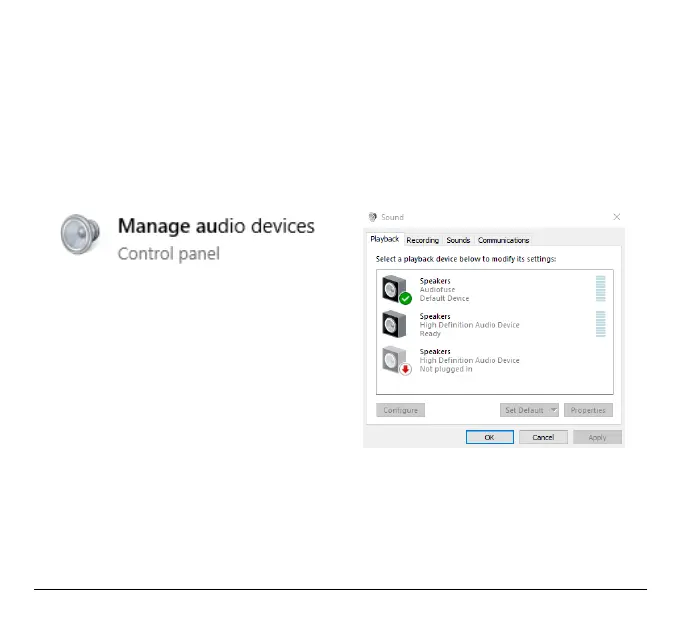
USB cable, it will automatically appear in your audio devices.
Open “Manage Audio Device”.
To set it up as your default playback (recording) device, in the playback (recording) tab select
AudioFuse and click on
Set Default
.
Arturia - User Manual AudioFuse - Getting started 14












 To Next Page