4.6. Use the AudioFuse without a computer
The AudioFuse can work standalone (without a computer), as a mixing unit.
To do this:
1. Connect your inputs on the analog inputs 1 to 4 and Digital inputs like ADAT.
2. Connect your outputs.
3. Connect the AudioFuse to the computer
4. In the AudioFuse Control Center set the mix you want for your output.
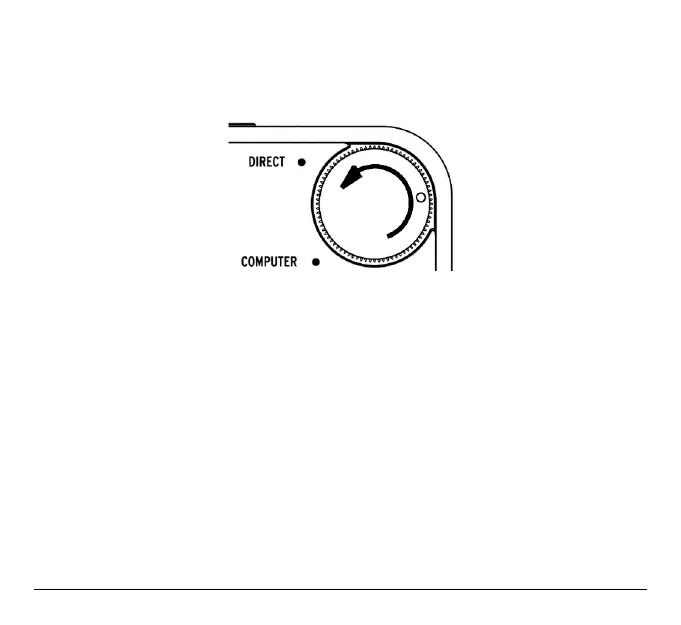
5. Set the Direct Monitor knob on the right of the AudioFuse to “Direct”.
Now you can unplug the computer, this mix setup will work without it.
The settings are saved in AudioFuse Unit for next time!
Technical information
More information can be found at
www.arturia.com/audiofuse-start
.
Arturia - User Manual AudioFuse - How to use the AudioFuse 38












 To Next Page