3.2. Setting your Operating System
3.2.1. Set up on Macintosh
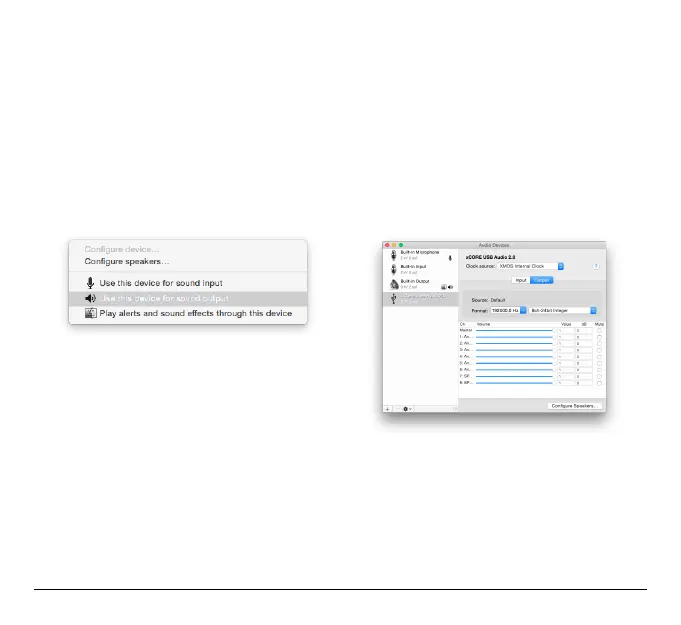
Connect your AudioFuse to the USB Port, your AudioFuse simply show up in
Audio MIDI
Setup
immediately.
To set it up as your default device:
• Select it in the Audio MIDI Settings left panel,
• Then select set as default output/input device.
13 Arturia - User Manual AudioFuse - Getting started












 To Next Page