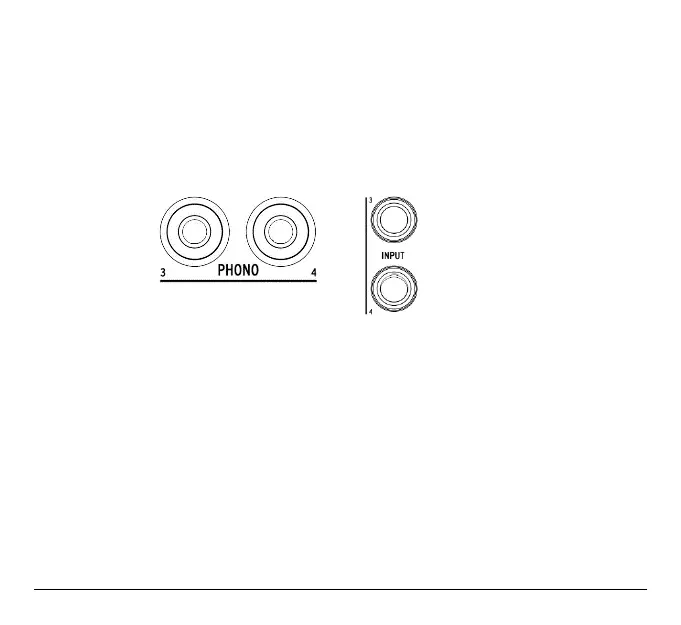
3.3.3. Inputs 3 & 4
AudioFuse also provides two additional line inputs and two phono inputs labelled 3 & 4. By
default the line input 3 & 4 are selected.
A 20db pad can be activated in AudioFuse Control Center.
When using Line input, you can switch input 3 to "INST" mode in Audiofuse Control Center.
Phono inputs can be activated from the AudioFuse Control Center.
You cannot use the Line and Phono inputs simultaneously.
19 Arturia - User Manual AudioFuse - Getting started












 To Next Page