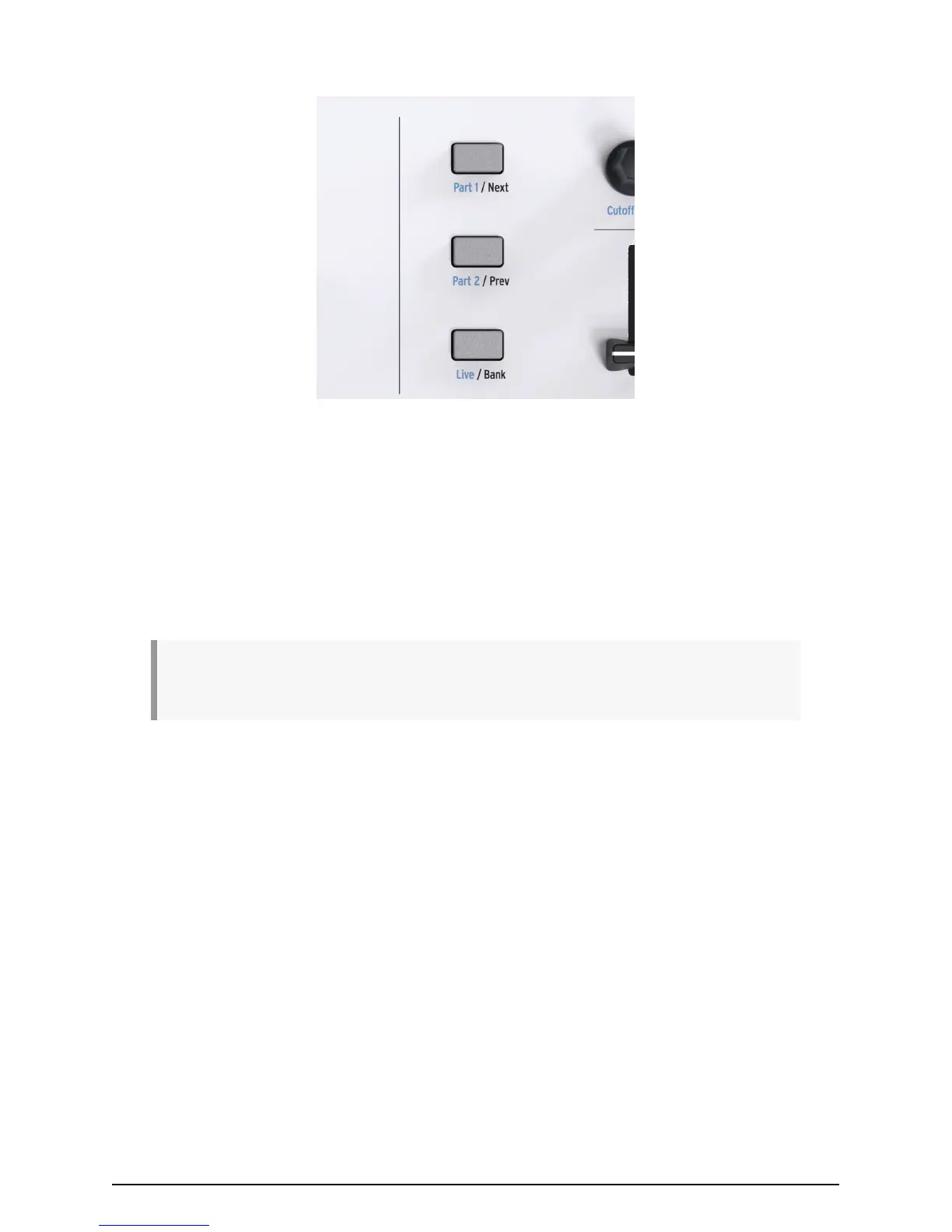
2.9. Part Controls
The 3 control buttons are used to switch the functions of KeyLab Essential’s encoders and
faders, letting you control different channels while using the DAW map, and control the
parameters of all 3 sections of Analog Lab’s Multi Mode.
Using the Analog Lab map, the control buttons function in the following way:
• Part 1: Select and control Part 1 in Analog Lab Multi Mode.
• Part 2: Select and control Part 2 in Analog Lab Multi Mode.
• Live: Select and control the Macro parameters, levels, panning, Send A & Send B
controls.
TIP: To learn more about setting up Macros within Analog Lab 2, and learn how to activate Multi
Mode, please consult the Analog Lab 2 user manual.
Using the DAW map, the control buttons function in the following way:
• Next / Prev: Shifts the focus of the encoders and faders in your DAW. The amount
is determined by the Bank button:
◦ Bank ON: shifts tracks by 8 channels
◦ Bank OFF: shifts tracks by 1 channel
• Bank: Toggles the function of the Next/Prev buttons.
When using a User map, these buttons can also be remapped using the MCC, letting you
further customize and personalize your KeyLab Essential experience.
Arturia - User Manual KeyLab Essential - Guided Tour 9












 To Next Page