2. GUIDED TOUR
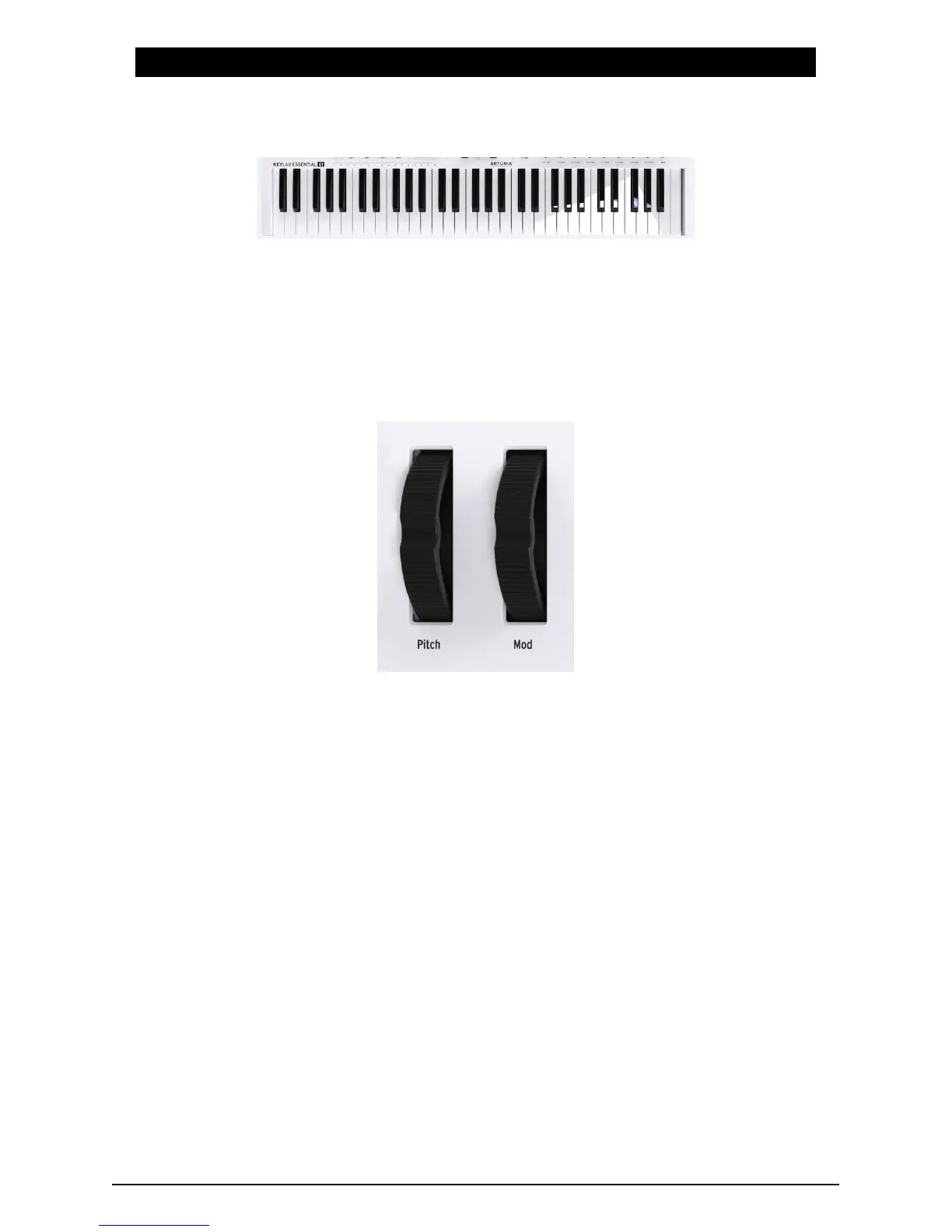
2.1. Keyboard
KeyLab Essential features either 49 or 61 velocity sensitive, synth-action keys.
This is obviously used to capture melodic performance, but can also be used in conjunction
with the MIDI Channel Select function to change KeyLab Essential's MIDI output channel.
2.2. Pitch & modulation wheel
These controllers allow for real-time pitch shifting and modulation control.
Moving the Pitch Wheel up or down will raise or lower the pitch of the sound. This range of
this effect is set within the hardware or software instrument it is controlling.
Moving the Modulation Wheel up increases the modulation setting of your selected sound.
The effect this has on the sound will depend on the settings of the instrument it is controlling.
Occasionally, certain instruments or presets will not use the modulation parameter.
These controls transmit standard MIDI commands, and cannot be customized using the
MIDI Control Center.
4 Arturia - User Manual KeyLab Essential - Guided Tour












 To Next Page