ARTURIA – PROPHET V - MANUAL
113
8.3.2 Use in Logic Audio
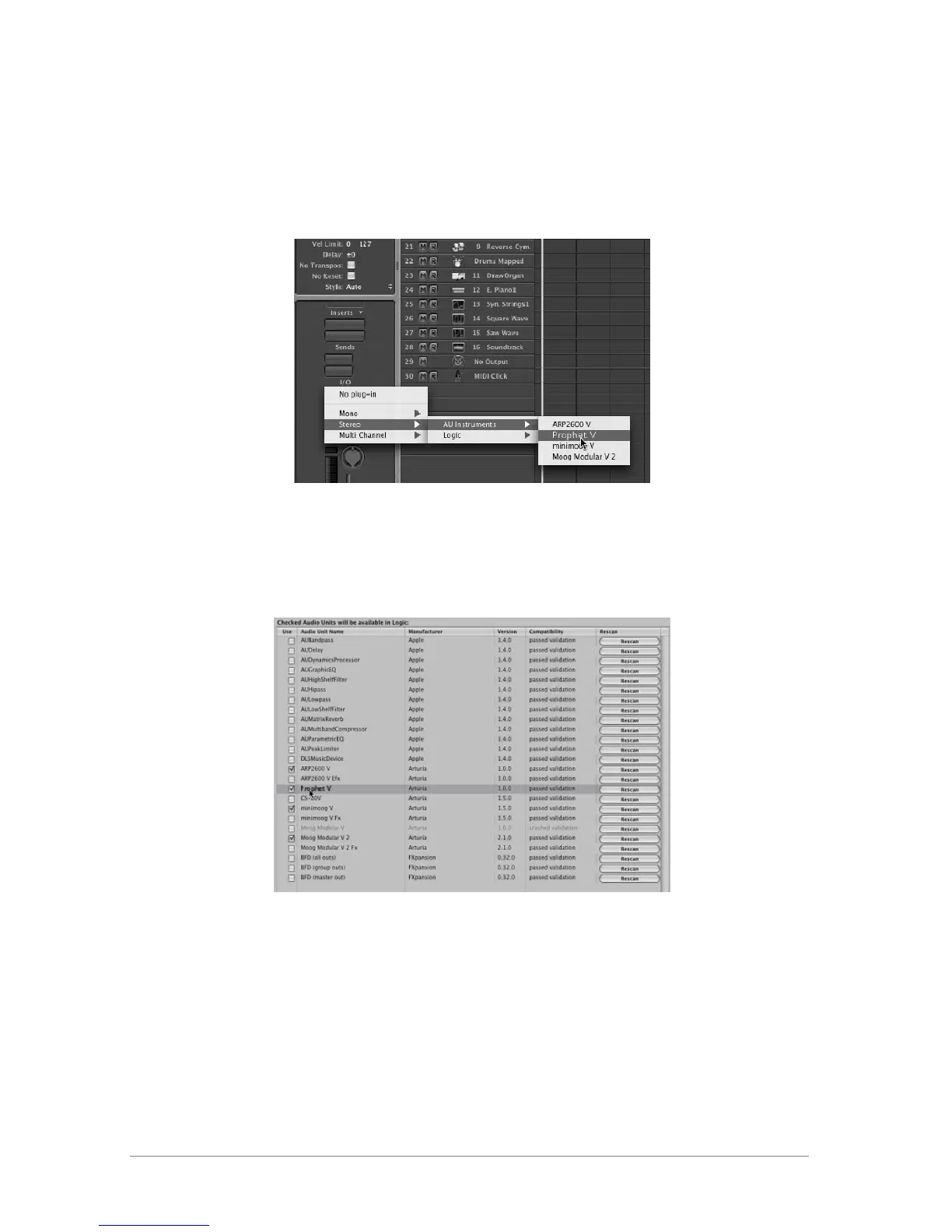
Select an instrument track. On the slice of the mixer corresponding to the selected track, click
on the button <<I/O>> to obtain the list of plug-ins, then select <<Stereo -> AU Instruments ->
Arturia Prophet V
Prophet V opening in Logic
Since version 7, there has been an Audio Unit plug-in manager in Logic. To launch it, click on the
menu <<Preferences -> Start Logic AU Manager>>
Launching of the Audio Unit manager of Logic
This Manager allows us to see the list of the available plug-ins, to test their compatibility with
Logic, and to activate or de-activate them.
If it happens that one of the Arturia plug-ins poses a problem in Logic, start by checking that
this plug-in has passed the compatibility test, and that it is actually selected for use.














 To Next Page