03
Connect Monitor with Devices
1. Connection Condition
This monitor does not have a built-in battery. Before connecting the
monitor, Please make sure there is enough power(5V/3A OR ABOVE)
input.
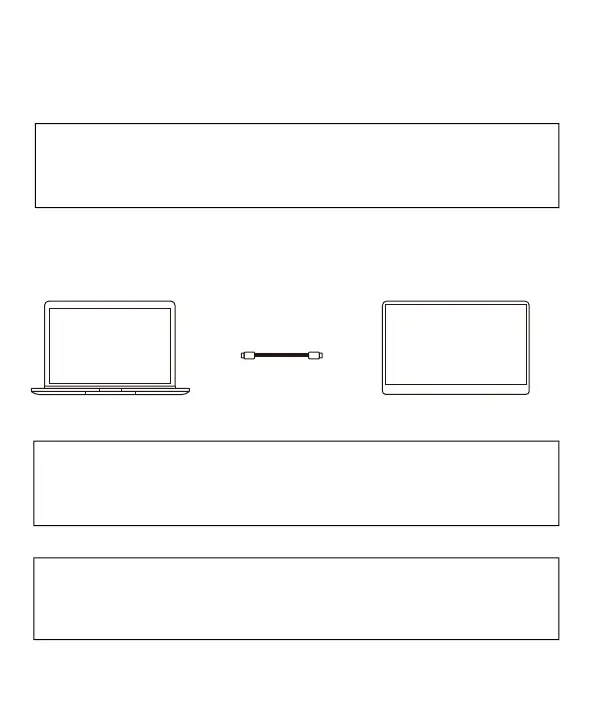
2. LAPTOP (With Type-C)
Note: If you want to adjust the brightness and volume above 80%,
please make sure the external power supply of 5V/3A or above be
connected.
Note: Not all laptops with a Type-C port can work with ARZOPA
monitor. Please check the Type-C port of your laptop if t supports
audio and video signal transmission.
Type-C to Tpye -C
Computer
Monitor


 To Next Page