Check the following before requesting service:
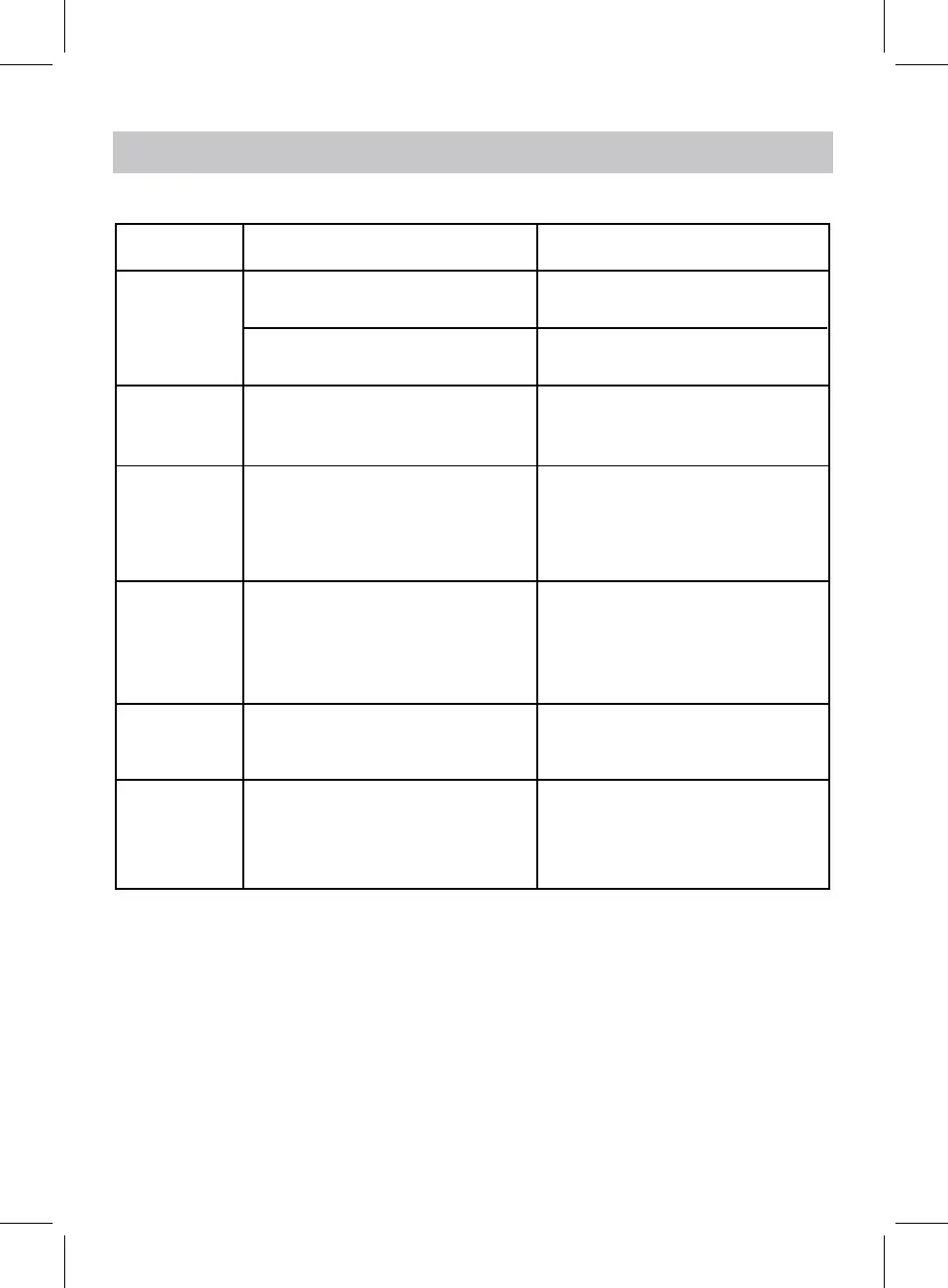
SYMPTOM POSSIBLE CAUSE POSSIBLE SOLUTION
Can’t power on Battery drained Re the battery
No sound or
sound weak
Sound
distortion
Volume level in minimum position
Volume level too high
Weak radio
reception
Extend the FM antenna wire
or relocate the unit to get better
signal
TROUBLESHOOTTING
12
place
Adapter not plugged properly Check and plug the adapter properly
Press the VOL+ button to increase
the volume
Press the VOL- button to decrease
the volume
Incorrect time
Enter system setting to set correct
time
Alarm off or
Alarm set incorrectly
Alarm not
ringing
Set to on and set correct alarm


 To Next Page