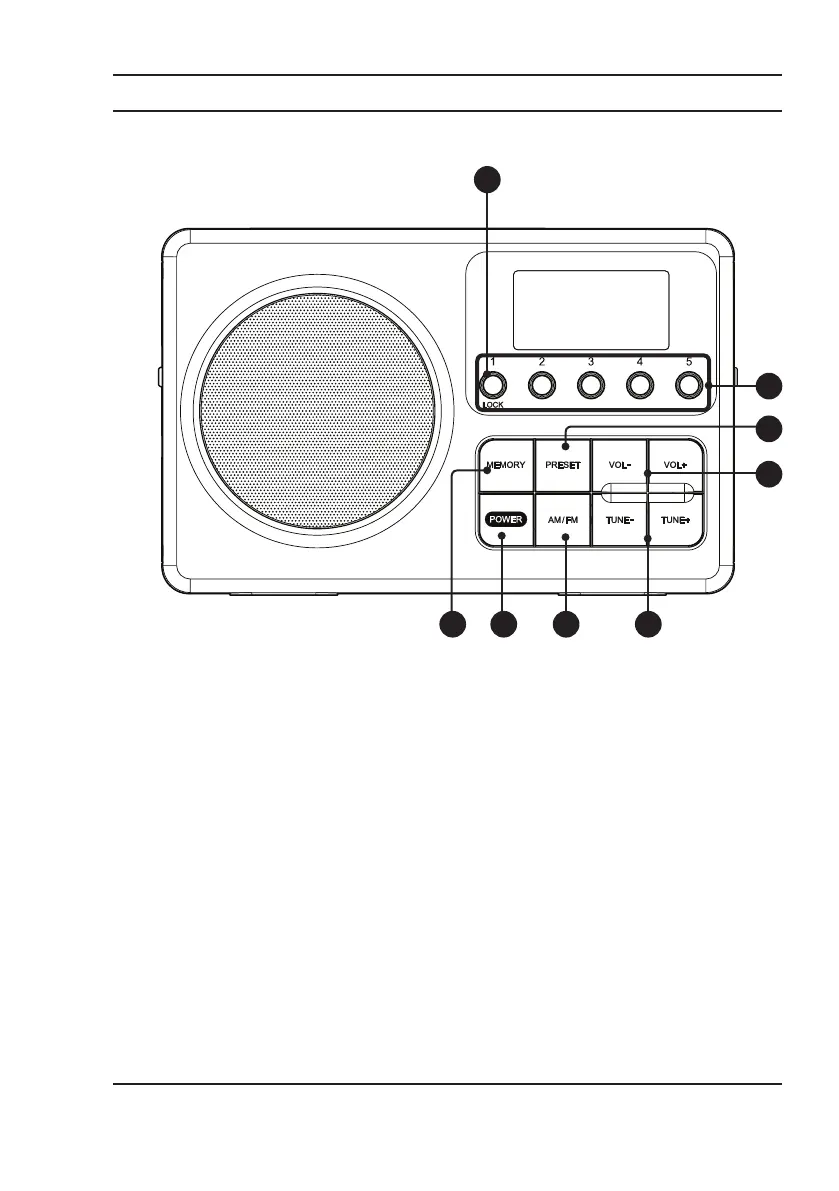
Your Short Wave Radio
1. Memory: Press to save radio stations to a preset.
2. Power: Press to power the radio on.
3. AM/FM: Press to switch between AM and FM
frequencies.
4. Tune: Press to change station. Press and hold to
auto scan to the next available station.
1 2
6
7
8
5
3 4
Layout
Controls
5. Volume: Press to set volume level.
6. Preset: Press to open preset selections.
7. Preset Numbers: Press to select which preset you
want to tune to.
8. Lock: Press and hold to lock controls on radio.
Press and hold again to unlock controls on radio.



 To Next Page