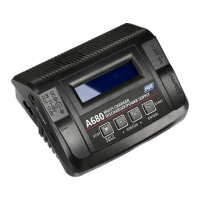
CHARGING NIMH BATTERY
Connect the battery main charge lead to battery socket which is in the front side of the
charger.
Press and hold “BATT TYPE” button for 2 seconds to start charging. The charge status LED will
glow to indicate charging is in progress.
Always make sure you are charging NiMH battery under NiMH mode. Charging Lithium
Battery under NiMH mode can lead fire, personal injury or property damage.
WARNING:
When the battery is fully charged, the charge status LED will glow constant green. Unplug
the battery from the charger and the charge status LED will flash green which indicates the
charger is ready to charge another battery.
TROUBLESHOOTING
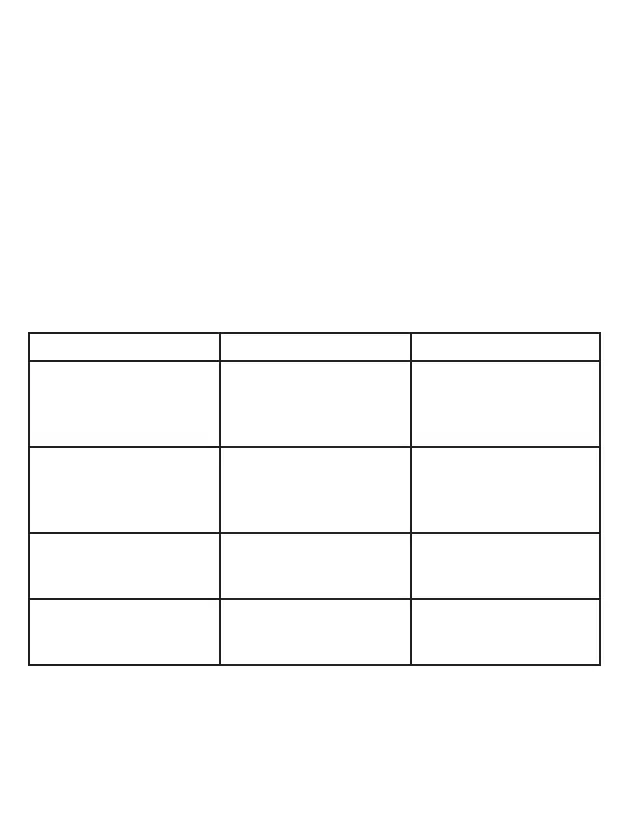
LED Blinking Times Problem Solution
Polarity (+ and –) connec-
tions of battery are incorrect
Check the connection
between the charger
and the battery.
Polarity (+ and –) connec-
tions of battery are incorrect
Make sure the charge lead
is connected properly to
the charger and ensure it is
wired correctly.
Dead cell or imbalance
between cells is too high
Safely dispose of damaged
battery
Over current protection Decrease charge rate to safe
level for the battery pack, or
dispose of shorted battery
Once the error condition has been resolved, press “BATT TYPE" button to reset the charger.
If the error can not be solved, please disconnect the power cord from the wall socket and
unplug the battery from the charger.


 To Next Page