Rev 3 Page 83
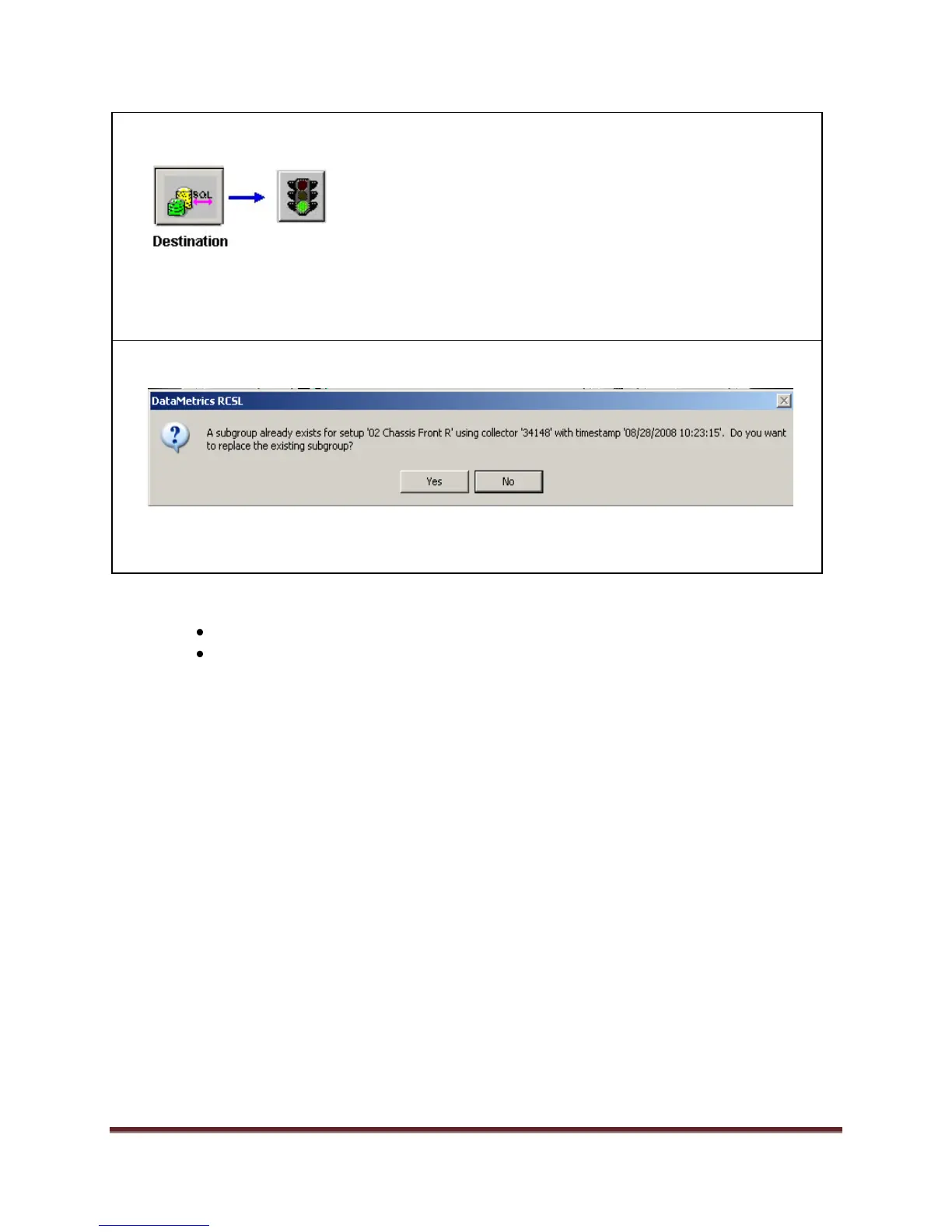
9. Click on the SPC Database icon as the destination. Click the green traffic light button to
perform the transfer.
Note: When the transfer is complete, you will see a message stating the data has been moved
to the database and asking you whether you want to remove the data collector. Click Yes to
quit the data transfer session or No to perform additional transfers.
10. If All Data was selected for a setup with harvested data, the following message appears during
the data transfer:
Select Yes to over write existing subgroup in database. Select No to retain the original
subgroup data in the database.
Skills Test #5
Collect a minimum of one subgroup of new data.
Harvest all New Data with one click.


 To Next Page
 Loading...