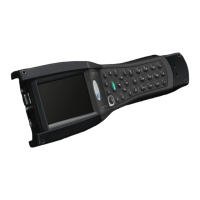
1. Connect the serial cable—The TranSend II RCSL application uses a direct-connect cable to
establish a communications link with an ASI DataMyte data collection device.
Attach one end of the 91714 cable to the designated serial port on your PC and the other end
to the COM Port (designated by the symbol) on the data collector.
The Serial Baud Rate of the data collector must match the Serial Baud Rate of the PC running
the DataMetrics RCSL application. Once you have properly configured DataMetrics RCSL and
your data collector to communicate together and connected the cable, you are ready to
perform a transfer.
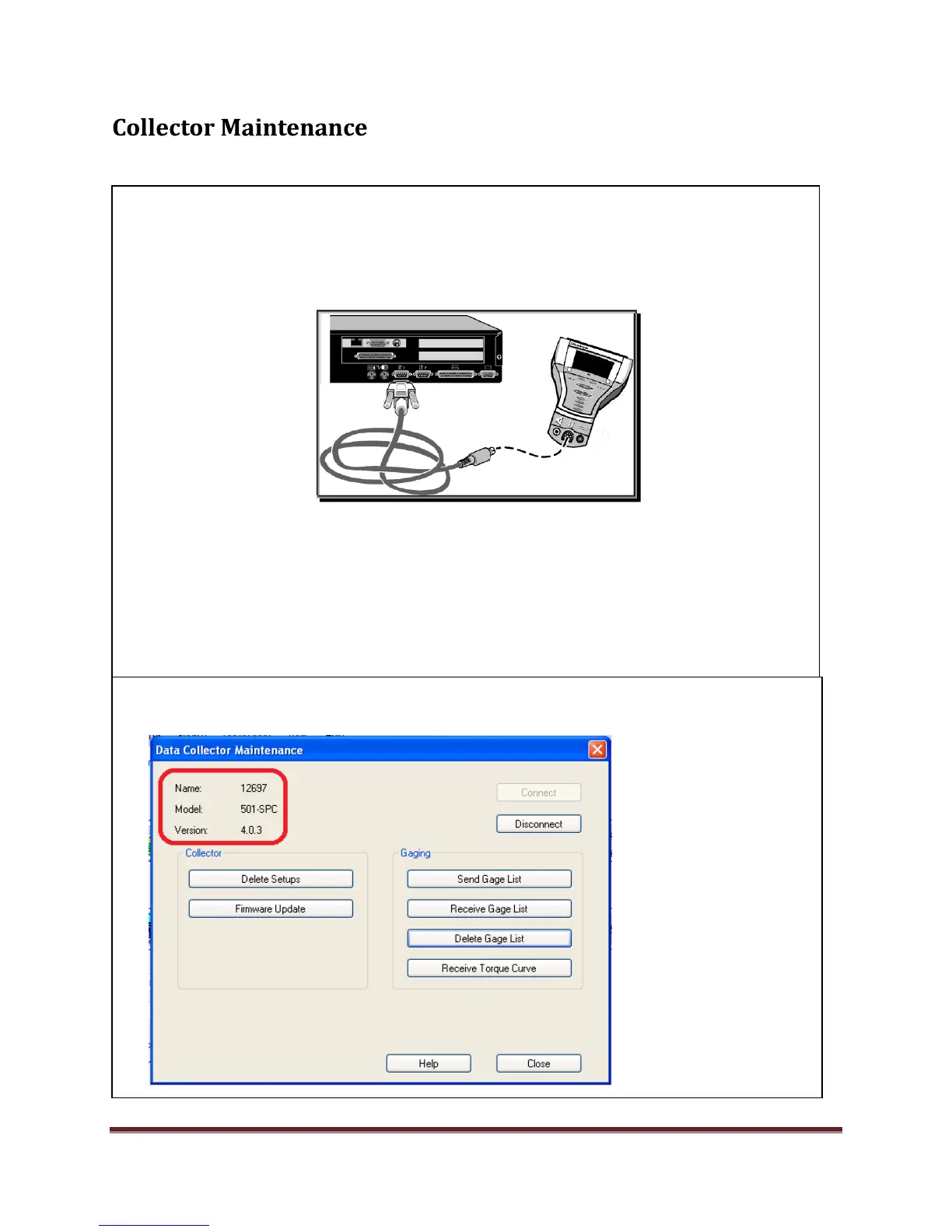
2. In the TranSend II RCSL main screen Select Tools, Collector maintenance. Select the connect
button to communicate with the collector device. Notice the collector information.


 To Next Page
 Loading...