EN 11
SETTINGS
To change the settings, rotate the setting knob to the right and hold it for three seconds. Press the
start/sop icon to scroll through respective settings or parameters. To change a parameter, rotate
the setting knob to the right or to the left.
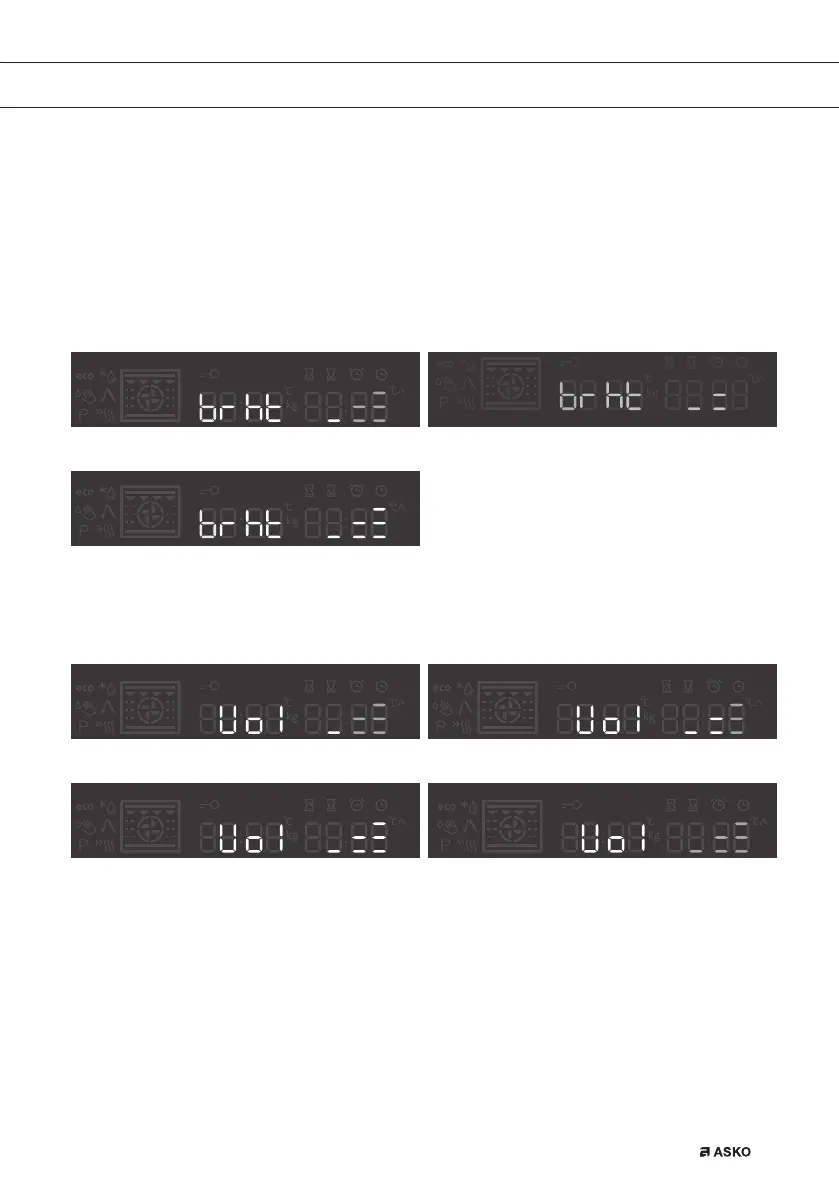
BRIGHTNESS LEVEL
Select between three different options of brightness levels. Mid level is pre-set. Levels can be set
by rotate knob.
Brightness level low Brightness level mid
Brightness level max
SOUND LEVEL
Mid level is pre-selected. Sound levels can be set by rotate knob.
Volume level low Pre-set mid sound level
Volume level max Volume level off
WATER HARDNESS (active only on steam ovens)
Water hardness test should be carried out before first use.
Soak the test paper strip (supplied with the appliance) in water for one (1) second.
Wait one minute and observe the number of stripes on the paper. Enter the information on the
number of stripes into the appliance.
USE
861441_en_naslovnica_drug_papir.indd EN11861441_en_naslovnica_drug_papir.indd EN11 10. 09. 2021 10:05:5310. 09. 2021 10:05:53



 To Next Page