EN 10
Switching on and settings
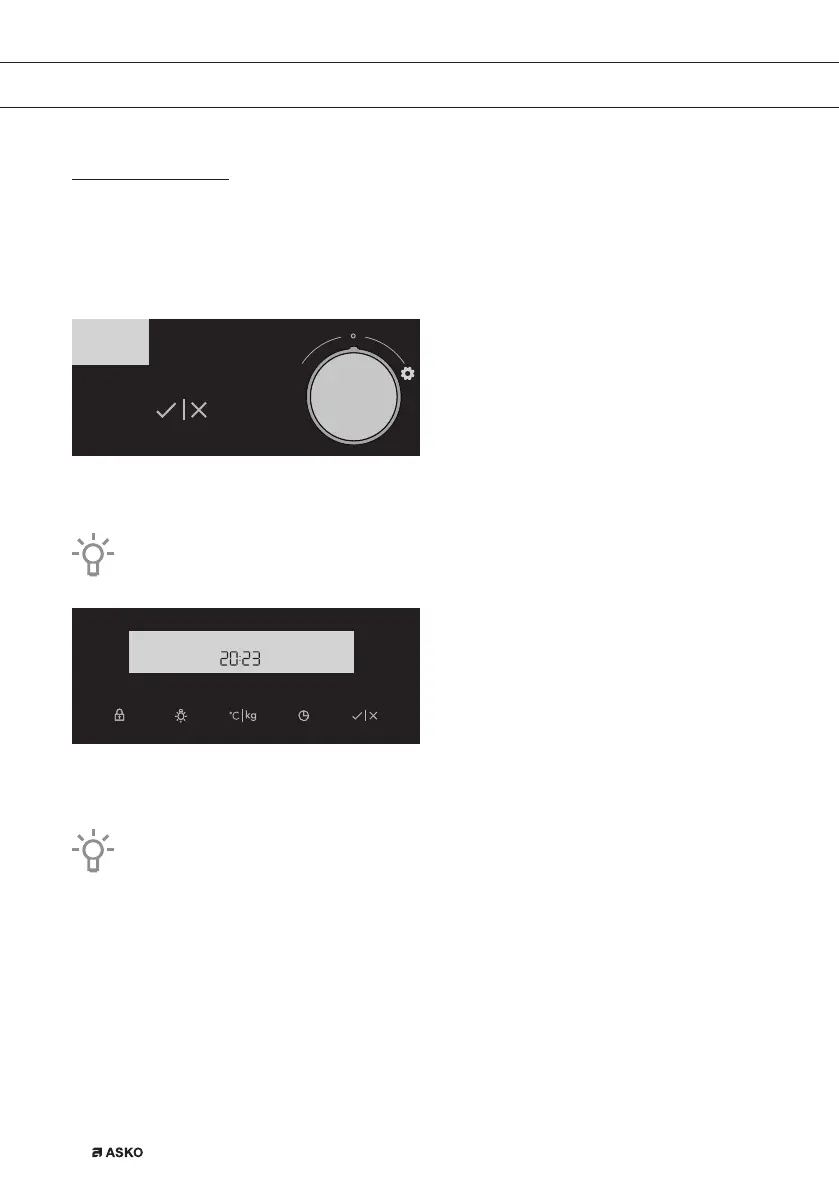
After connecting your appliance or after an extended power outage, 12:00 will flash on the display
and the symbol will light up.
All the settings as follows:
SETTING THE CLOCK
Rotate the SETTINGS KNOB (-/+) and first set the minutes; then, the cursor will switch to hours.
After three seconds, the settings will be saved.
Turning the knob farther to the right or to the left will change the settings more quickly.
Confirm by pressing START/ STOP. If nothing is pressed within the next three seconds, the setting
will be stored automatically.
The oven will also work if the clock is not set. However, timer functions are not available
in this case (see chapter: SETTING THE TIMER FUNCTIONS).
After a few minutes of idling, the appliance will switch to standby mode.
USE
861441_en_naslovnica_drug_papir.indd EN10861441_en_naslovnica_drug_papir.indd EN10 10. 09. 2021 10:05:5310. 09. 2021 10:05:53



 To Next Page