EN 13
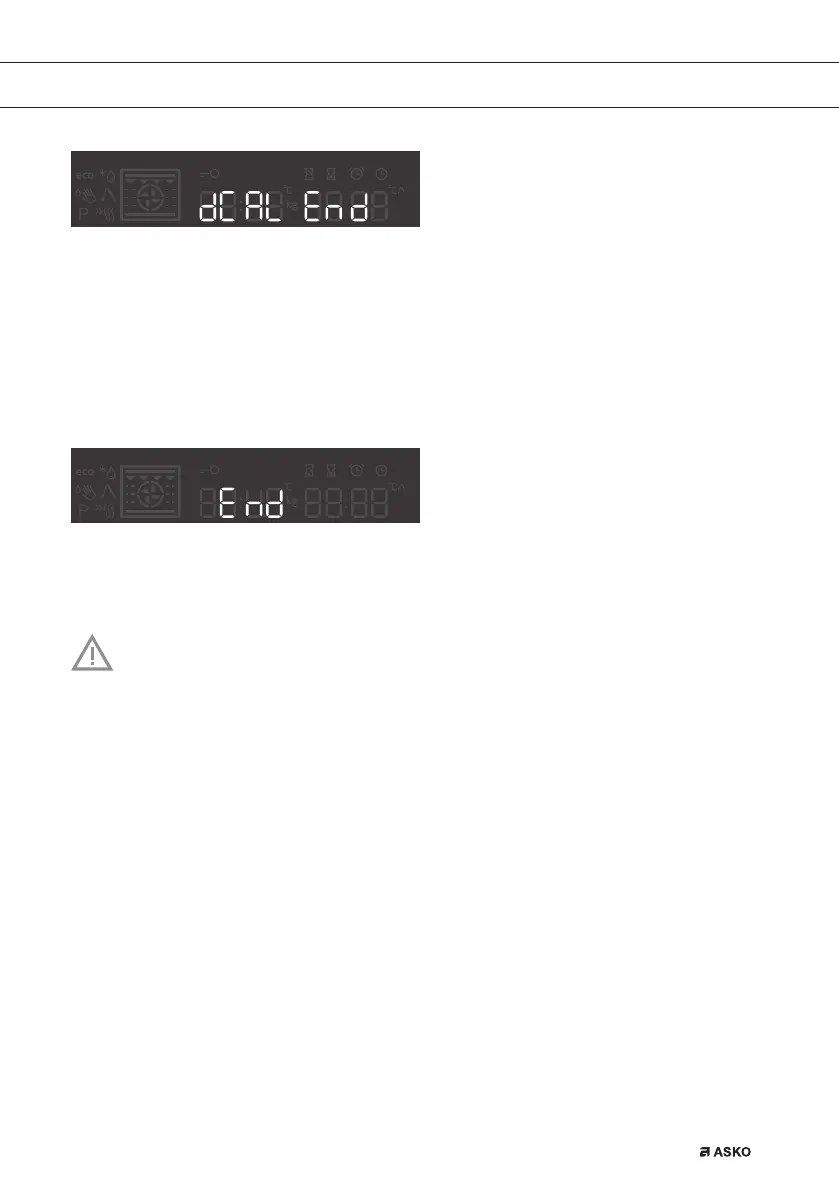
STEP3/End - Rinsing process complete. Clean
the tank and wipe the oven.
Also clean the filter foam (see chapter CLEANING
THE FILTER FOAM)
END
By pressing the start/stop icon, user can go out of settings menu back to standby mode. You
can go out of settings manu also if you hold selection knob on the left for 3 sec, or it you turn the
system knob.
To change the settings, rotate the setting knob to the right and hold it for three seconds. Press the
start/sop icon to scroll through respective settings or parameters. To change a parameter, rotate
the setting knob to the right or to the left.
After a power outage or after the appliance is switched off, the additional function
settings will remain stored for no more than a few minutes. Then, all settings,
except for the acoustic signal and child lock will be reset to factory defaults.
USE
861441_en_naslovnica_drug_papir.indd EN13861441_en_naslovnica_drug_papir.indd EN13 10. 09. 2021 10:06:0010. 09. 2021 10:06:00



 To Next Page