EN 20
USE
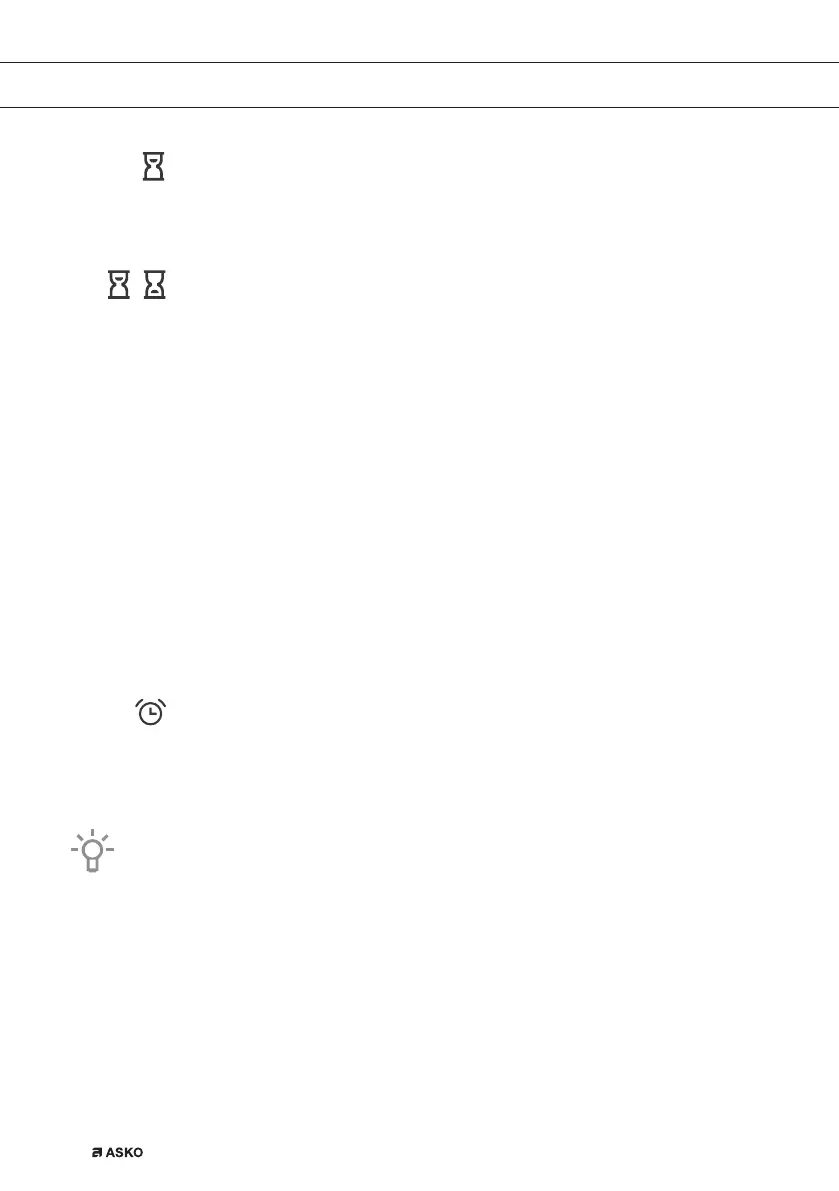
Setting the cooking time
In this mode, you can define the duration of oven operation (cooking time).
Set the desired cooking time. First set the minutes, then the hours. Icon and
cooking time are displayed on the display unit.
Setting the delayed start
In this mode, you may specify the duration of the cooking process (cooking
time) and the time when you wish the cooking process to stop (end time). Make
sure the clock is accurately set to current time.
Example:
Current time: noon
Cooking time: 2 hours
End of cooking: 6 pm
First set the OPERATION DURATION (2 hours). Touch the CLOCK button again and
select END OF OPERATION. The display automatically shows a fl ashing sum of the
time of day and duration of operation of the oven (14:00).
Set the time for the end of baking (18:00)
Press START to start the cooking process. The timer will wait for the time to start the
cooking process and the symbol will be lit up. The oven automatically switches on
(14:00) and stops operating and the selected time (18:00).
Setting the minute minder
The minute minder can be used independently of the oven operation. The
longest possible setting is 24 hours.
During the last minute, the minute minder is displayed in seconds.
After the set time expires, the oven will automatically stop operating (end of cooking).
An acoustic signal will be heard which you may turn off by touching any key. After one
minute, the acoustic signal will be switched off automatically.
All timer functions can be cancelled by setting the time to »0«.
After a few minutes of idling, the appliance will switch to standby mode.
861441_en_naslovnica_drug_papir.indd EN20861441_en_naslovnica_drug_papir.indd EN20 10. 09. 2021 10:06:0910. 09. 2021 10:06:09



 To Next Page