EN 23
USE
• During cooking, the rising temperature of the core will be displayed
(the desired core temperature may be adjusted during the cooking
process).
• When the set core temperature is reached, the cooking process
will stop. An acoustic signal will sound, which you may turn off
by pressing any key. After one minute, the acoustic signal will be
switched off automatically. The current time appears on the display.
• Always place the culisensor’s entire metal sensor in the dish.
• Please note! After the cooking process always replace the
metal cap on the culisensor’s connection.
• Only use the culisensor in your oven.
• Ensure that the culisensor does not come into contact with the
heating element during cooking.
• The culisensor will be extremely hot after the cooking process.
Be careful! Avoid burns.
Settings menu
The settings menu is only available by pressing the plus key when the
appliance is in standby mode.
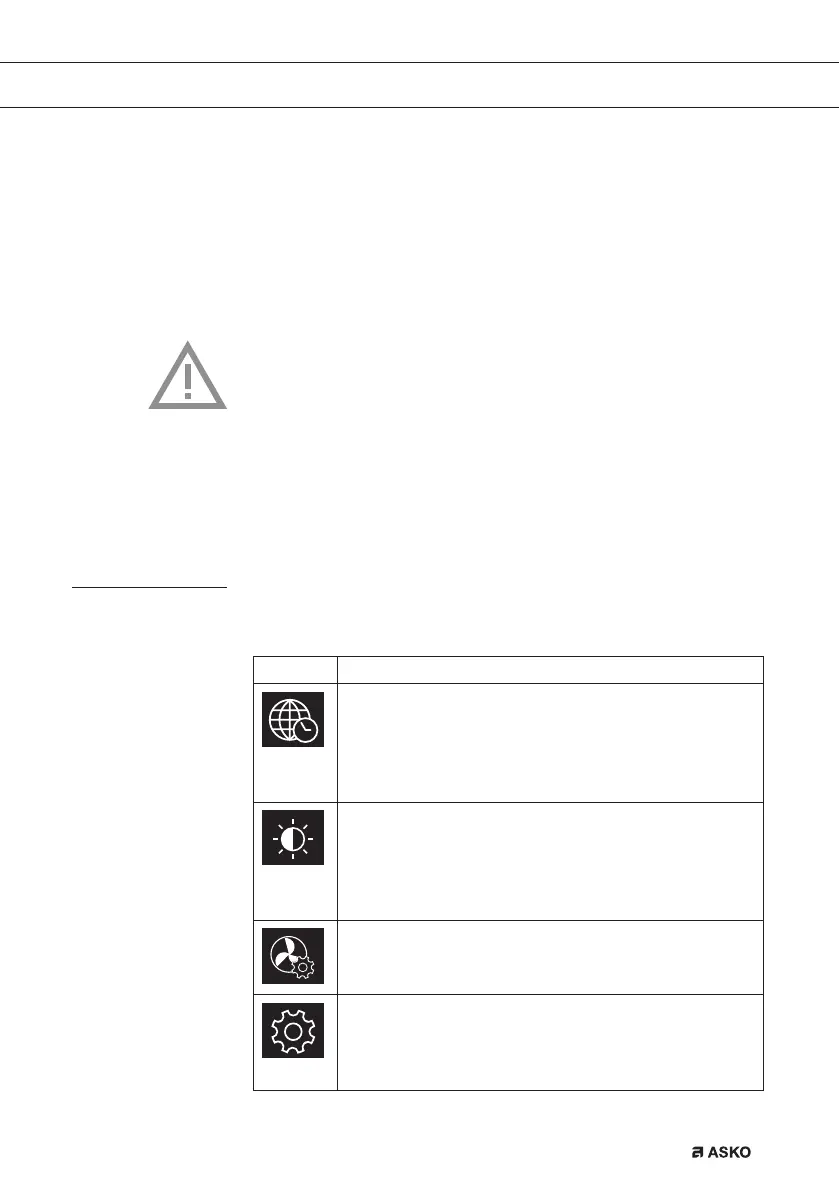
Setting Description
General
Language
Time
Date
Sound
Display
Brightness
Clock size
Night mode
Appliance to stand-by mode
Cooking
Default program intensity
Preheat settings
System
Appliance information
Factory settings
Oven light
687365_en_naslovnica_drug_papir.indd EN23687365_en_naslovnica_drug_papir.indd EN23 21. 07. 2022 14:39:1421. 07. 2022 14:39:14


 To Next Page