Close the door and press the
Start/Stop button
To add or remove washing after the
programme starts
If you want to add or remove items after the
programme has started, you can stop the
programme by pressing and holding the
Key button (door open) for three seconds.
The red field flashes. When restarting,
add any extra detergent needed and
close the door. The machine starts
automatically from the point where the
programme was interrupted.
If you want to stop or change a
programme
You can also stop a programme by
pressing the Start/Stop button for three
seconds. To restart the machine, select a
new programme, add any new detergent
needed and press the Start/Stop button.
Once the programme has finished
The door opens automatically once the
programme has finished. If you want to
deactivate “automatic door opening”, see
the “Child safety” chapter.
• Remove the laundry.
• Switch off the main power switch.
If you have small children or pets at home,
close the washer door once you have
removed the laundry.
if you are not satisfied with the results.
Fabric softener
Pour the fabric softener
into the compartment
with the symbol. Use
the dosage given in the
recommendations on the
fabric softener package.
Note!
Do not fill above the compartment’s
maximum fill level. Otherwise fabric
softener will run in too early, which impairs
the washing effect.
Select options
Super Rinse
Selecting Super Rinse gives you 4
extra rinses. This option cannot be
selected with Wool/Hand, Rinse
programme, Spin or Drain.
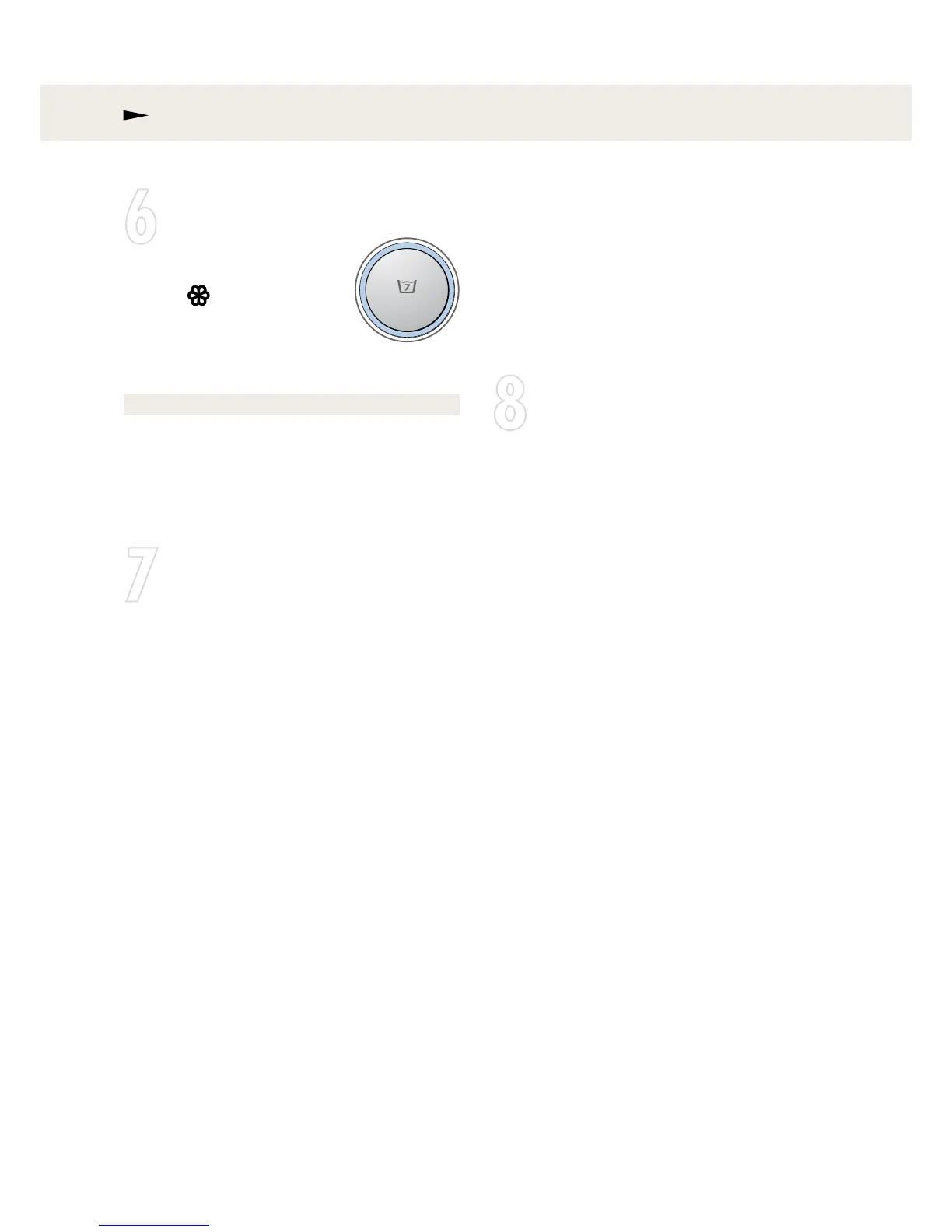
A lighted red field around the button
indicates that the option has been
activated.
The machine will remember this setting
and use it the next time you select the
programme in question. To deactivate
Super Rinse, press the Start/Stop button for
3 seconds. The red field goes out.



 To Next Page