17
Washing
7
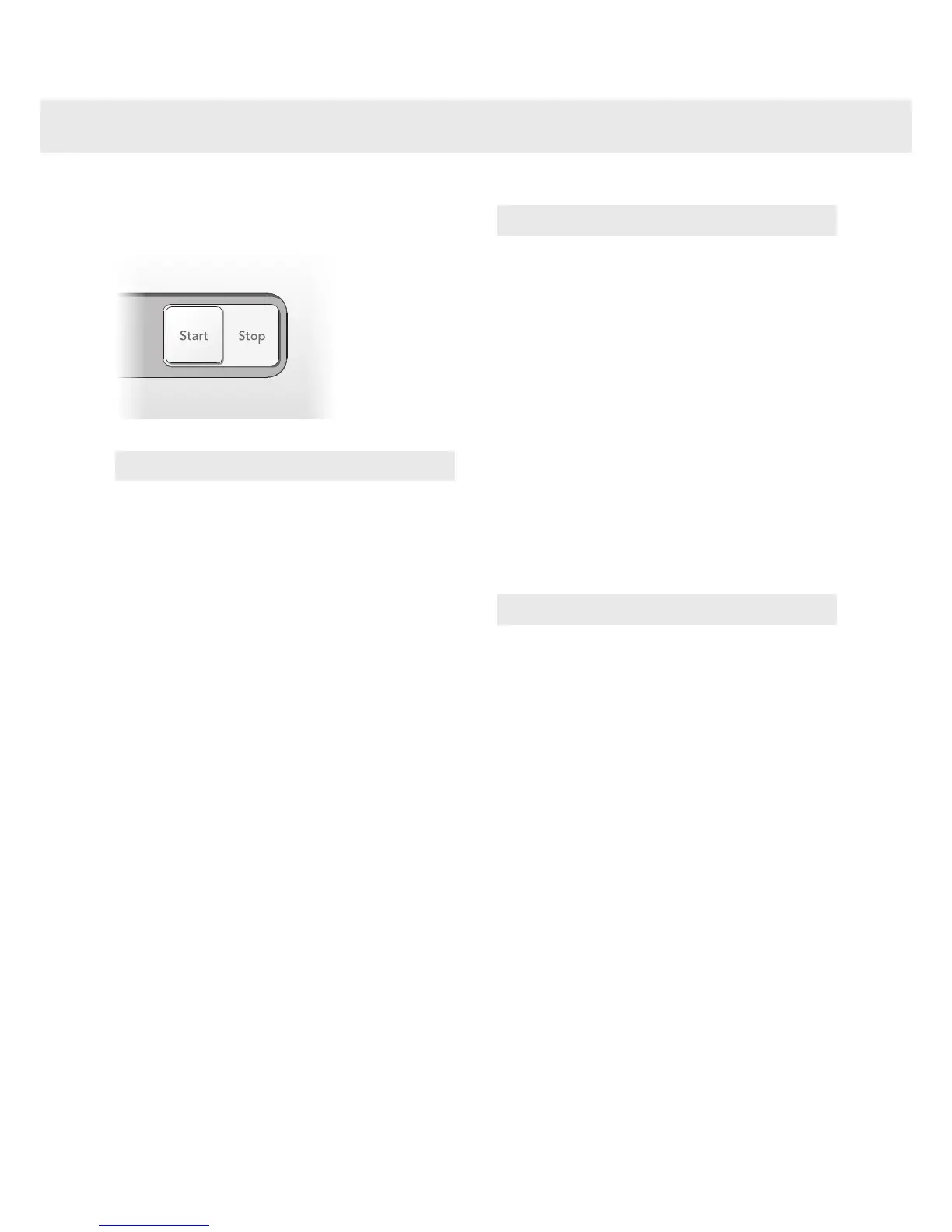
Close the washer door and
press the Start button
NOTE!
A few seconds after you start a program the
washing machine will begin to ll with water from
both the hot and the cold supplies. If for some
reason no hot water is available, the machine
waits for one minute and then lls with cold
water only. The wash drum does not start to
rotate until it begins to ll with water.
Time remaining
The time remaining is shown in hours and
minutes. Once a program is selected, the
estimated program time is displayed. This
may dier from time to time depending on the
temperature of the water entering the machine
and the size of the load. If the program time is
longer than the previous wash with the same
program, "0:01" will be displayed until the
program nishes. This is normal! The next time
you use the program under similar conditions,
the estimated program time will be more
accurate.
Stopping or changing a programme
You can stop a programme by pressing the Stop
button for three seconds. ”Stop” appears in the
display. To restart the machine, select a new
programme, add any extra detergent needed and
press the Start button.
NOTE!
Do not open the detergent compartment while
the machine is running.
8
Once the program has
nished
The text "Done" is shown on the display
for 2 minutes. The machine then turns o.
The washer door opens automatically once the
program has nished. If you want to deactivate
the automatic door opening function, see the
"Selecting settings" section.
Remove the load.
If you have small children or pets at home, close
the washer door once you have removed the
laundry.
NOTE!
Upon completion of the washing cycle, close the
water faucet and unplug the mains cord.


 To Next Page