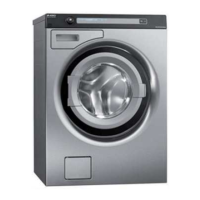
Service manual WM70.C
33
Panel and control card replacement (cont.)
6. Carefully pull the programme selector
from the panel.
7. Use a screwdriver to free the control card
from the panel. NB: The control card must
be placed in an ESD-safe bag.
8. Check that the push button, lens and
decorative inlay are in place. Now carefully
press the new control card into place. NB:
Don't forget to replace the rubber seal.



 To Next Page