8 - Your Acer computer tour
YOUR ACER COMPUTER TOUR
After setting up your device as illustrated in the Setup Guide, let us
show you around your new Acer computer. You can enter information
into your new computer via the touchscreen.
Computer
Your device has two components: the computer and the keyboard.
The following set of images will describe all of these. The views are
labeled as if you are holding the computer with the screen towards
you and the camera at the top.
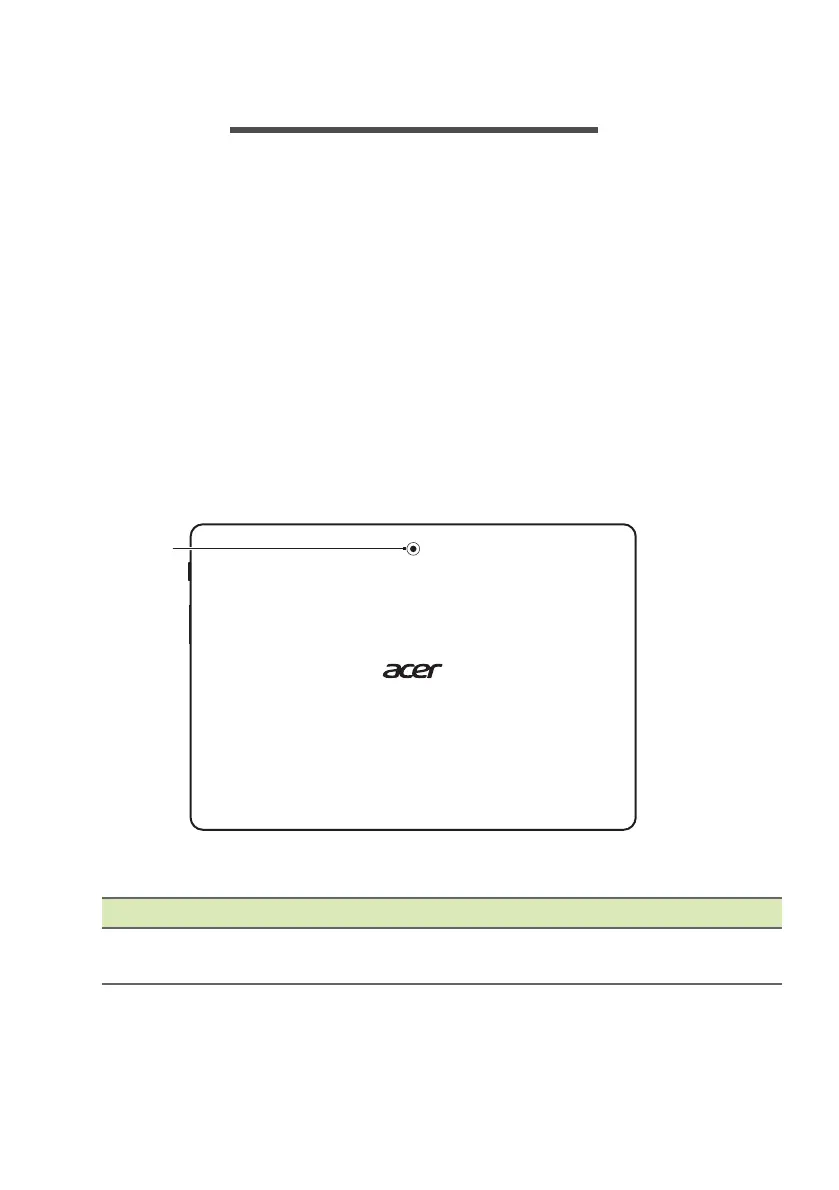
Cover view
# Icon Item Description
1 Webcam
Web camera for video
communicat
ion.


 To Next Page