28
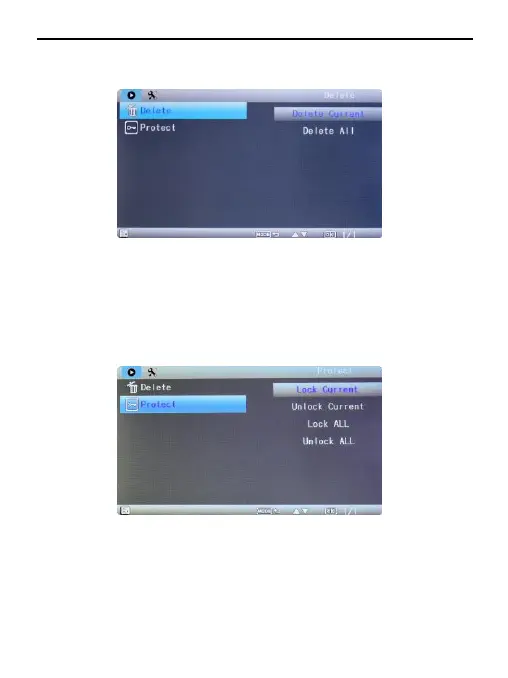
In playback mode, press Menu button, select “Protect”, you will have protect
lock options (“lock one” to protect the selected file,“lock all” to
protect all the
files on the memory card) and protect unlock options (“unlock
one” to unlock the selected files, “unlock all” to unlock all the protected files on
the memory card).


 To Next Page