27
Taking pictures
3.
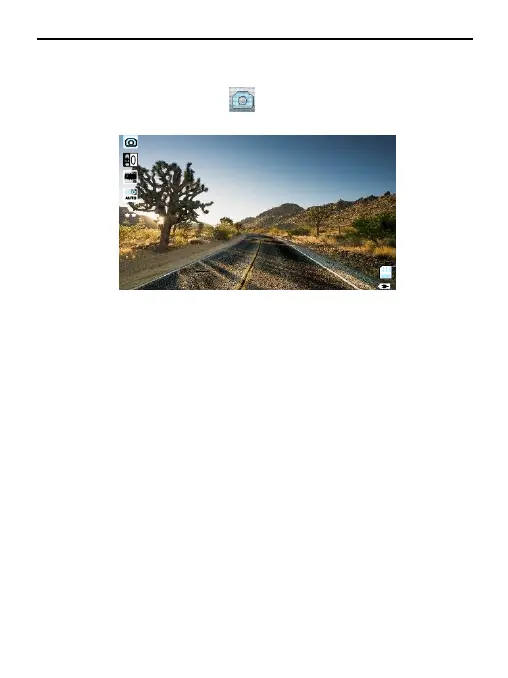
Press Mode (M) button.
In the upper left corner of the screen, icon will be dispalyed.
4.
Press OK button to take a picture.
Note: Hold the camera steady when taking pictures, otherwise the pictures will come
out blurry.
Playback
3.
Browsing files
: Press Mode (M) button to switch to playback mode, browse
files using UP/DOWN buttons.
To play back a file, press OK button.
4.
Delete and Protect: In playback mode, press Menu button,select
“Delete”
,
you
will
have two options:
“
delete
curr
ent
?”
to detele the selected
file,
and
“
delete
all?”
to delete
all
the files on the memory
car
d (except the
protected
files).
Press OK button to select and confirm.


 To Next Page