40
Lastly, select the les that are supposed to go in the virtual drive to speed up the
system’s performance. Such as temporary les created by computer programs when
they cannot allocate enough memory for its tasks. Or internet cache les including
html, images, Cascading Style Sheets and
JavaScript scripts from IE, Firefox and Google Chrome.
Click Backup XFast RAM if you wish to make a backup. Then click on the APPLY
button to activate XFast RAM. Click on STOP if you wish to deactivate XFastRAM.
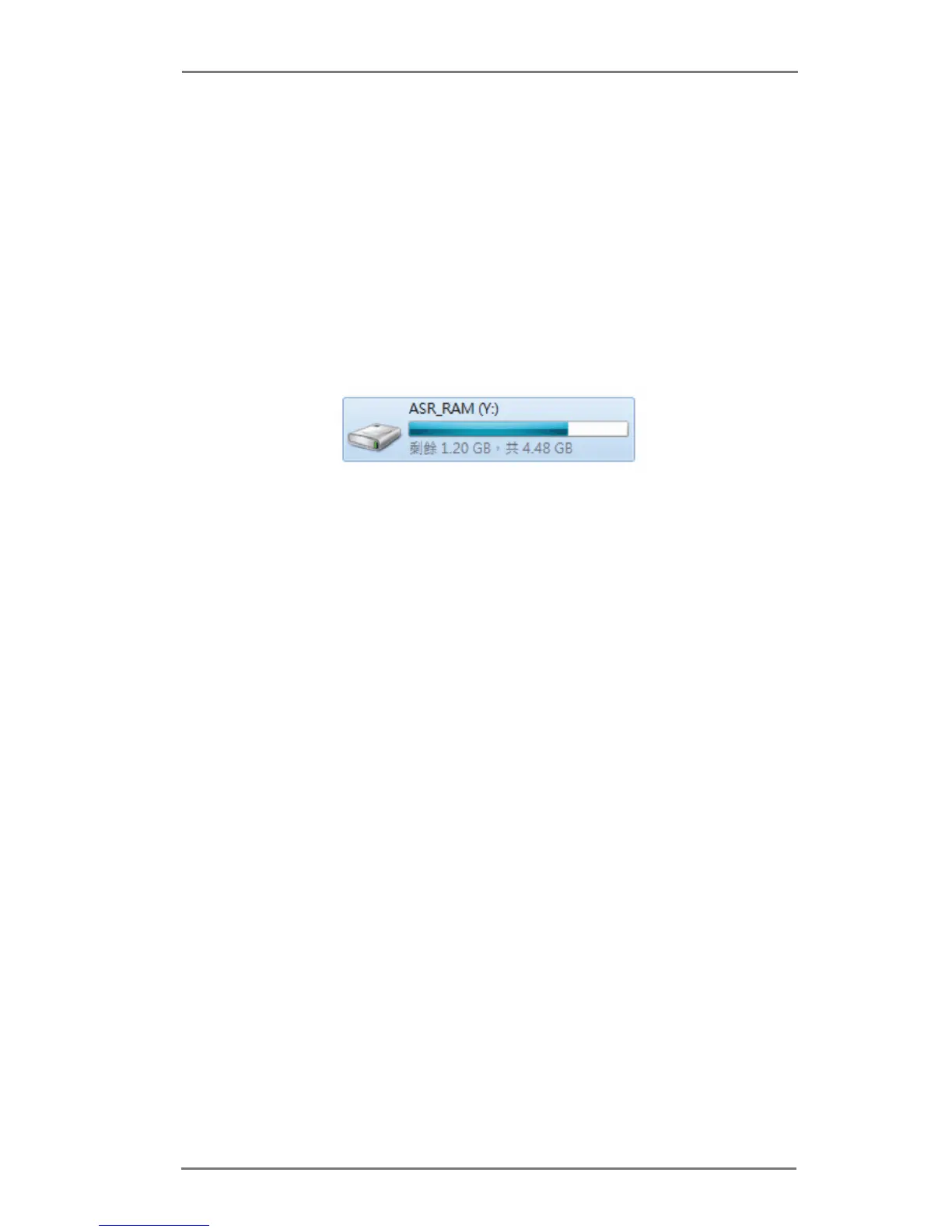
The virtual disk will appear once you restart the system.


 To Next Page
 Loading...