58
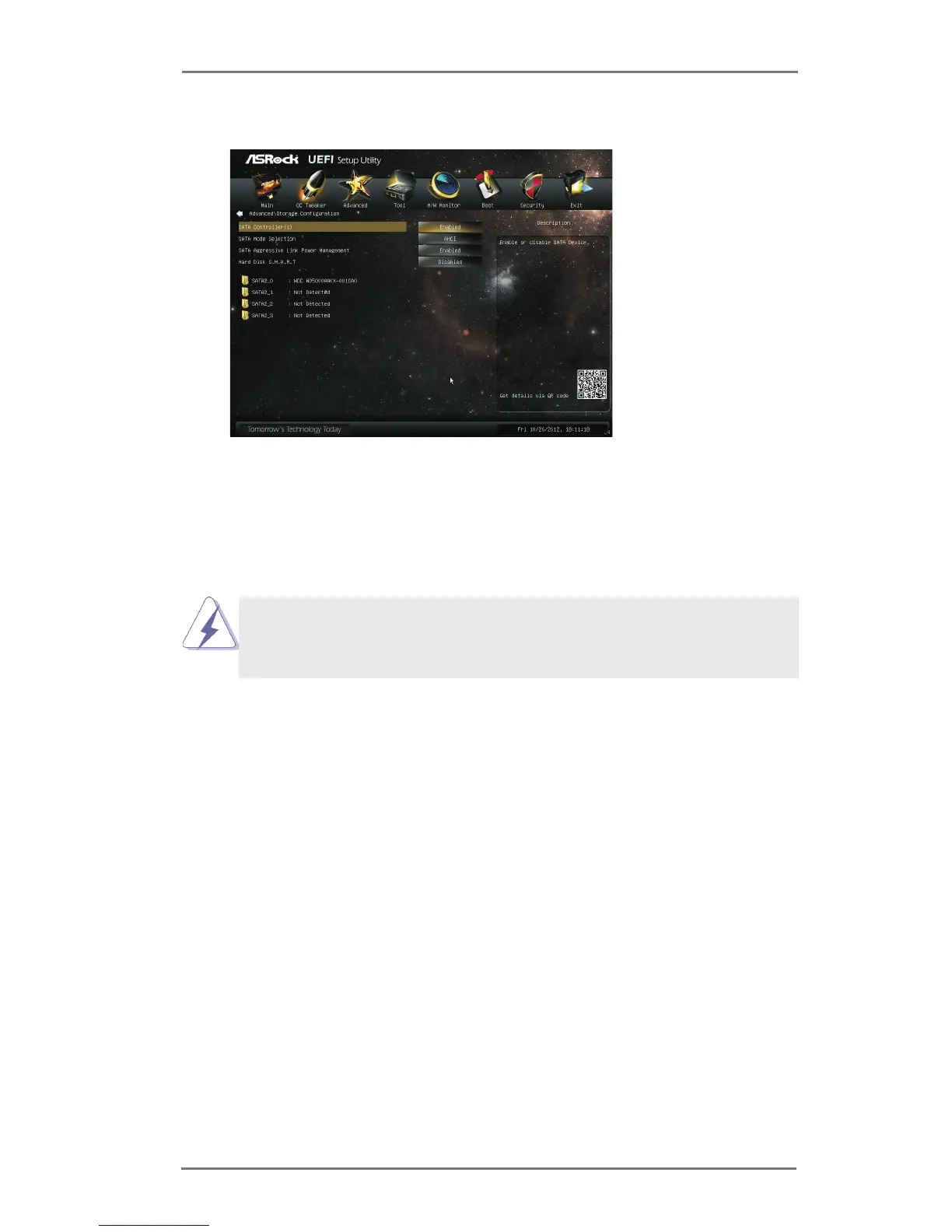
3.4.4 Storage Conguration
SATA Controller(s)
Use this item to enable or disable the SATA Controller feature.
SATA Mode Selection
Use this to select SATA mode. Conguration options: [IDE Mode], [AHCI
Mode] and [Disabled]. The default value is [AHCI Mode].
AHCI (Advanced Host Controller Interface) supports NCQ and other
new features that will improve SATA disk performance but IDE mode
does not have these advantages.
SATA Aggressive Link Power Management
Use this item to congure SATA Aggressive Link Power Management.
Hard Disk S.M.A.R.T.
Use this item to enable or disable the S.M.A.R.T. (Self-Monitoring, Analy-
sis, and Reporting Technology) feature. Conguration options: [Disabled]
and [Enabled].



 To Next Page
 Loading...