11
2.5 Installation of Memory Modules (DIMM)
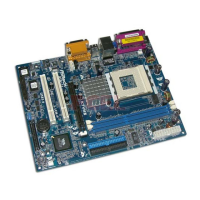
K7VM3 motherboard provides two 184-pin DDR (Double Data Rate) DIMM slots.
Please make sure to disconnect power supply before adding or
removing DIMMs or the system components.
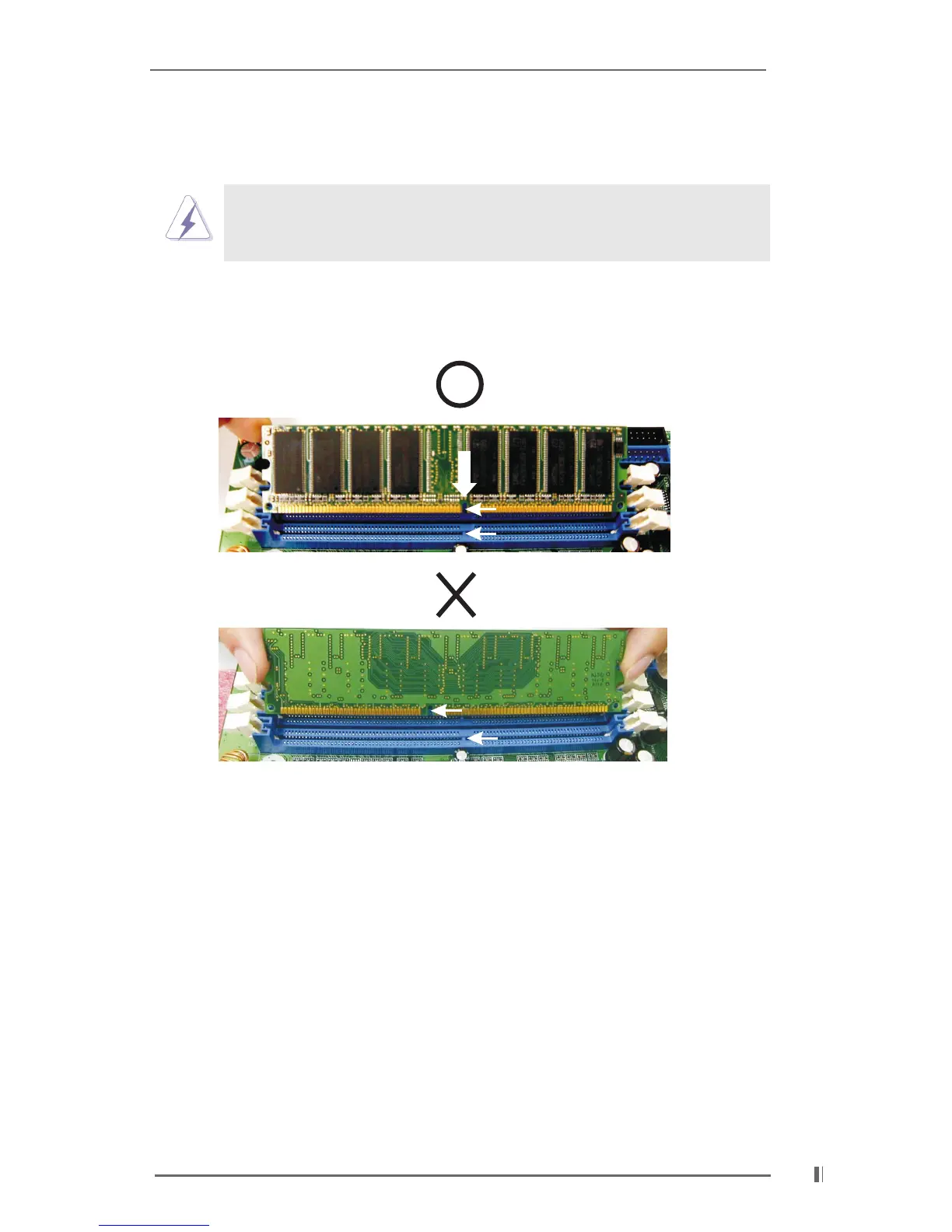
Step 1. Unlock a DIMM slot by pressing the retaining clips outward.
Step 2. Align a DIMM on the slot such that the notch on the DIMM matches the break
on the slot.
Step 3. Firmly insert the DIMM into the slot until the retaining clip snap back in place
and the DIMM is properly seated.
notch
break
notch
break







 To Next Page