35
English
X99 WS
2.9.4 Driver Installation and Setup
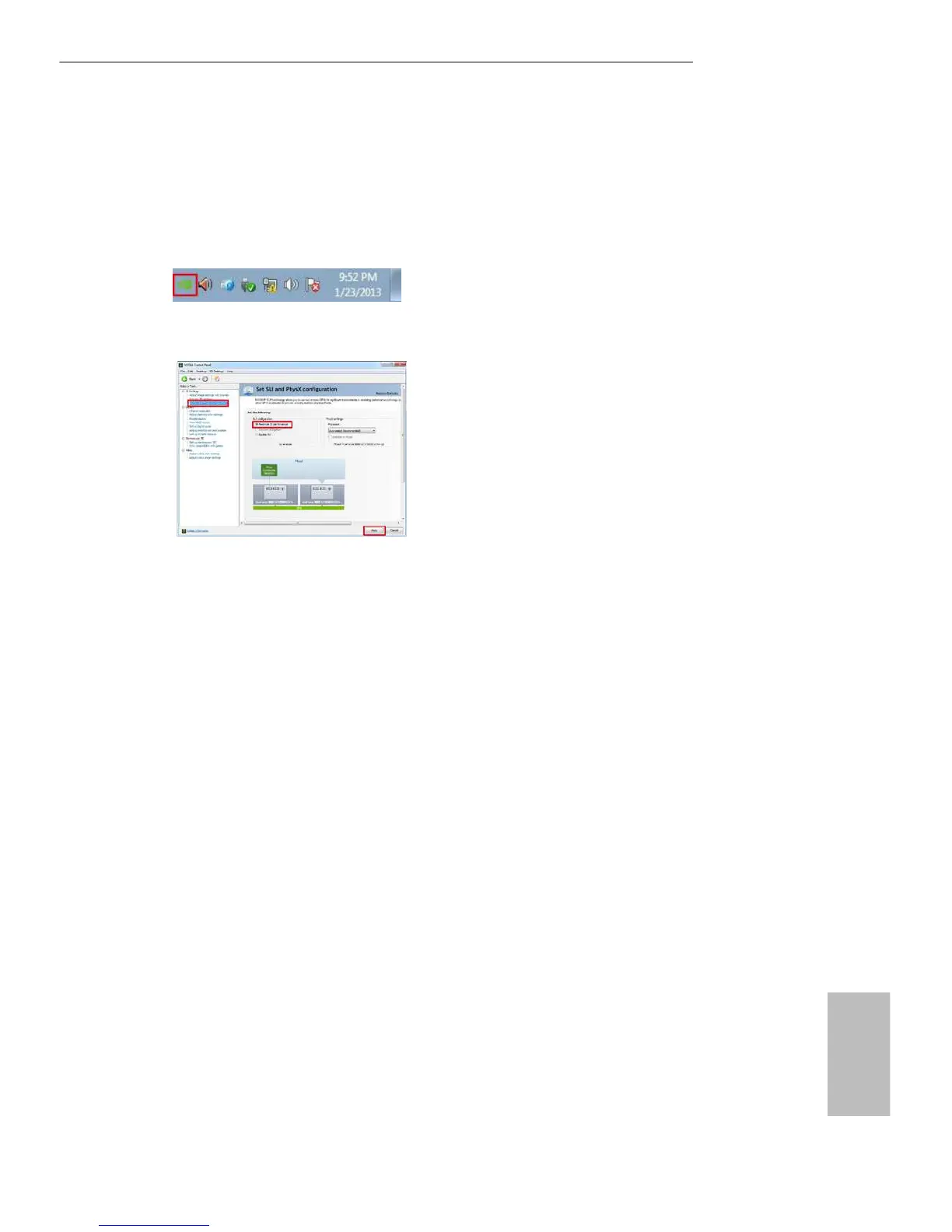
Install the graphics card drivers to your system. Aer that, you can enable the
Multi-Graphics Processing Unit (GPU) in the NVIDIA® nView system tray utility.
Please follow the below procedures to enable the multi-GPU.
Step 1
Double-click the NVIDIA Control Panel
icon in the Windows® system tray.
Step 2
In the le pane, click Set SLI and PhysX
conguration. en select Maximize 3D
performance and click Apply.
Step 3
Reboot your system.



 To Next Page
 Loading...