EasyManua.ls Logo

ASTER TECHNOLOGIES FT-650 - User Manual

ASTER TECHNOLOGIES FT-650
11 pages
Print Icon
To Next Page IconTo Next Page
Loading...
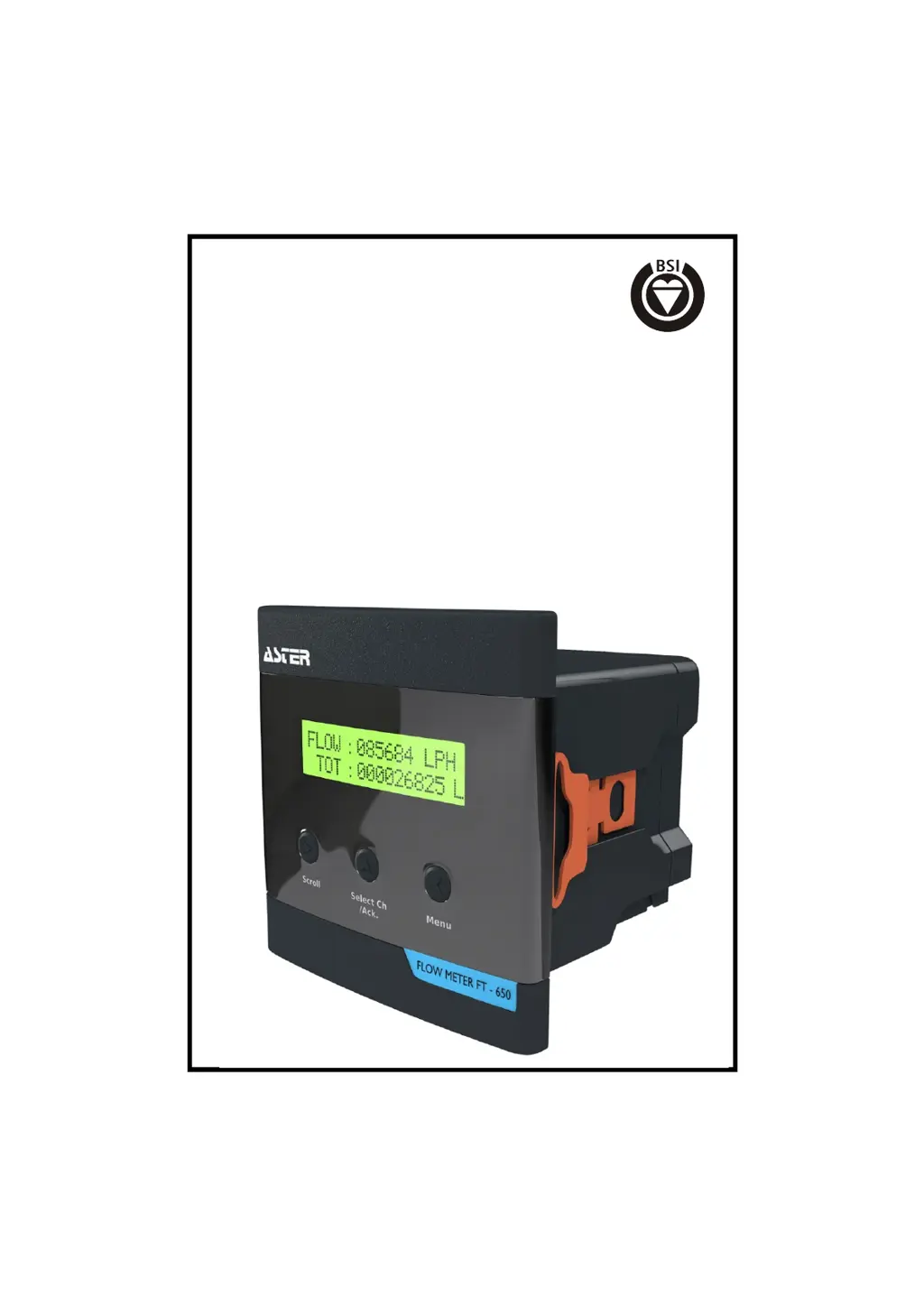
FLOW METER
FT-650
1
FM 564741
ASTER TECHNOLOGIES
ISO-9001:2008 Certified Company
(Full bore type)

Questions and Answers

  • D
    Daniel BrownAug 5, 2025
    What to do if ASTER TECHNOLOGIES FT-650 display remains zero even if flow is there?
    • M
      Megan ChambersAug 5, 2025
      If the ASTER TECHNOLOGIES Measuring Instrument's display reads zero despite flow, first, ensure that no downstream valve is closed and open it if it is. Remove the sensor from the fitting and check for reading changes by manually rotating the turbine. If the meter now displays a reading, verify the presence of actual flow. If the normal flow is below the minimum sensing velocity, replace the fitting. Alternatively, check that the turbine rotates freely. Verify the arrow direction and correct the orientation if needed. Remove the sensor and clean the turbine to ensure it moves without obstruction.
  • K
    Karen CookeAug 17, 2025
    Why turbine of ASTER TECHNOLOGIES Measuring Instruments not moving freely?
    • S
      Shawn GouldAug 18, 2025
      If the turbine of your ASTER TECHNOLOGIES Measuring Instrument isn't moving freely, it might be due to incorrect orientation or obstruction. Check the direction arrow and correct the orientation if it's wrong. Then, remove the sensor and clean the turbine to ensure it can move freely.

ASTER TECHNOLOGIES FT-650 Specifications

General IconGeneral
BrandASTER TECHNOLOGIES
ModelFT-650
CategoryMeasuring Instruments
LanguageEnglish