33
Home Phone
Setting Up Your Voice Mailbox
• To set up your voice mailbox for the first time you must dial (*9) or your telephone number
from your Home Phone.
• You will be prompted to create a PIN of four to twenty digits.
• Record a name announcement.
• Record a personal greeting or select one of the standard greeting options.
• Prompts will allow you to correct and re-record announcements in case you are not satisfied
with what you have recorded.
Accessing Your Voice Mail
• From home, dial (*9) or your telephone number
• Away from home, dial your telephone number and press (*) during the greeting
• Online, go to http://www.myastoundphone.net
Go to: http://www.myastoundphone.net
Use your voicemail PIN to log into the
Phone Portal.
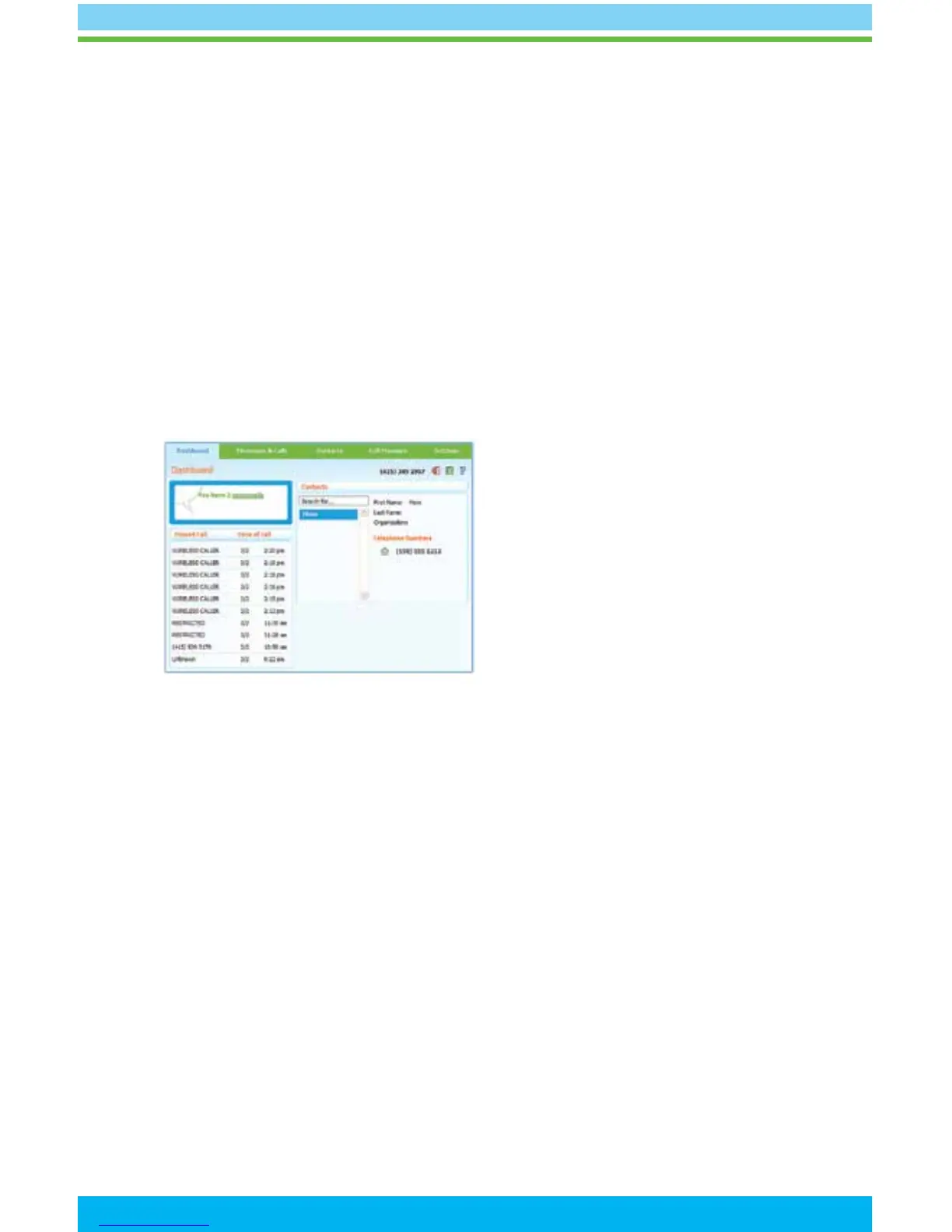
MyAstoundPhone.net Portal
• Check voice mail messages online at http://www.myastoundphone.net.
• Set up your voicemail preferences.
• Manage your Home Phone features such as voicemail/call forwarding, call screening
and contact list.
• Get e-mail alerts when you receive voicemails.
• Detailed instructions for using the Home Phone Portal can be found at
http://www.astound.net/myastoundphone


 To Next Page