Quick Start
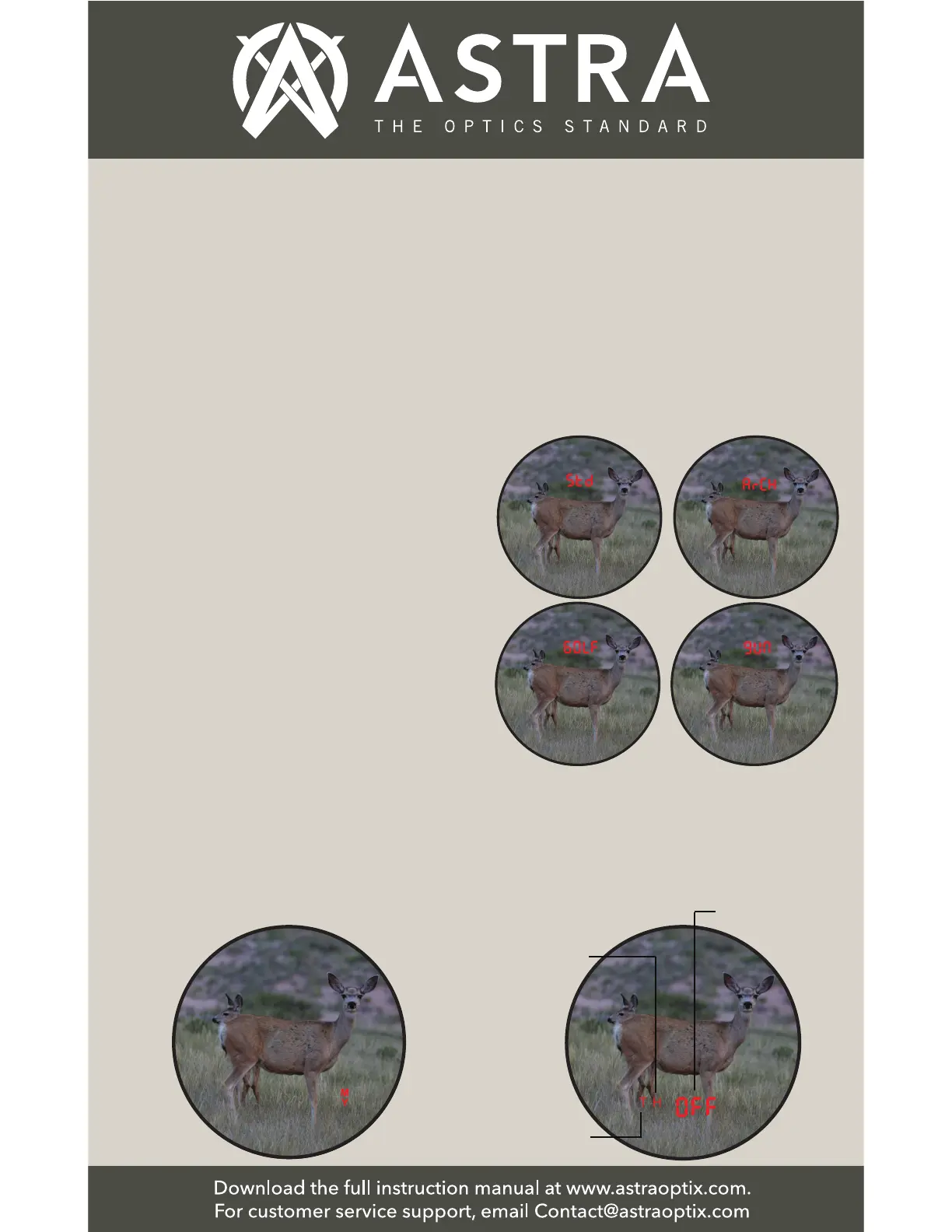
5.4. Sub-Modes under Standard Mode:
Press the Power Button to cycle
between each sub-mode. Press the
Mode Button to select.
5.2. Yards & Meters Selection: In the
menu press the Power (Range) Button
to cycle between Yards (Y) and
Meters (M) . Press the Mode Button to
select.
5.3. Select the Operation Mode:
Press the Power Button to cycle
between Standard Mode (Std), Archery
Mode (ArCH), Golf Mode or Gun Mode.
When the selection you want to use is
blinking, press the Mode Button to
select your preferred mode.
5.1. Menu Settings - Menu Operation
Summary
◆ Brightness Setting
-1 thru 5
◆ Distance Units Selection
- Y / M
◆ Standard Mode (Std)
- Horizontal (Angle Corrected)
with Line of Sight
- Angle with Line of Sight
- OFF (Only Line of Sight)
◆ Archery Mode (ArCH)
◆ Golf Mode (GOLF)
◆ Gun Mode with Ballistics
- abi (Applied Ballistics® Internal)
- abe (Applied Ballistics® External)
- Bullet Drop Units Selection:
MOA OR MIL (Milliradians)
Horizontal
Distance
(Angle
Corrected)
with Line
of Sight
Angle with
Line of Sight
OFF (Only
Line of Sight)


 To Next Page